2FA Beyond SMS: Secure Mobile Account Methods for 2026
Two-Factor Authentication (2FA) in 2026: Beyond SMS – Exploring 4 More Secure Methods for Your Mobile Accounts
In the ever-evolving landscape of digital security, the methods we use to protect our online identities must constantly adapt to counter increasingly sophisticated threats. For years, Two-Factor Authentication (2FA) has been lauded as a critical layer of defense, moving us beyond the sole reliance on passwords. However, as we look towards 2026, it’s becoming clear that not all 2FA methods are created equal. Specifically, SMS-based 2FA, once a revolutionary step, is now showing its vulnerabilities.
The ubiquity of smartphones has made mobile accounts central to our digital lives, housing everything from banking details and social media profiles to personal communications and sensitive work data. Protecting these accounts is paramount. While SMS 2FA offers a basic level of protection by sending a one-time code to your phone, it’s susceptible to several attack vectors, including SIM-swapping, where attackers trick carriers into porting your phone number to a device they control. This can grant them access to your SMS 2FA codes, effectively bypassing your security.
The good news is that the cybersecurity industry hasn’t stood still. A new generation of more robust and user-friendly secure mobile 2FA methods has emerged, offering significantly enhanced protection for your mobile accounts. This comprehensive guide will delve into four of the most secure and forward-thinking 2FA options that you should be adopting for your mobile accounts in 2026 and beyond. By understanding and implementing these alternatives, you can significantly bolster your digital defenses against the growing tide of cyber threats.
The Limitations of SMS-Based 2FA: Why It’s Time to Move On
Before we explore the superior alternatives, it’s crucial to understand why SMS-based 2FA, despite its widespread adoption, is no longer considered the gold standard for secure mobile 2FA. Its simplicity, while initially a strength, has become its Achilles’ heel.
Vulnerabilities of SMS 2FA:
- SIM Swapping Attacks: This is arguably the most significant threat. Cybercriminals can socially engineer mobile carriers into transferring your phone number to a new SIM card under their control. Once they have your number, all SMS-based 2FA codes are sent directly to them, granting them access to your accounts.
- SMS Interception Malware: Malicious software installed on a device can intercept incoming SMS messages, including 2FA codes, without the user’s knowledge.
- SS7 Network Flaws: The Signaling System 7 (SS7) protocol, a core component of global telephone networks, has known vulnerabilities that can be exploited to intercept SMS messages, even across different carriers and countries.
- Phishing and Social Engineering: Attackers can create convincing fake login pages that prompt users to enter their password and subsequently their SMS 2FA code. Once entered, the attackers can use these credentials to log into the legitimate service.
- Lack of Encryption: SMS messages are not inherently encrypted end-to-end, making them potentially vulnerable to interception by sophisticated adversaries.
Given these significant weaknesses, relying solely on SMS for your secure mobile 2FA is akin to leaving your front door unlocked in a bustling city. While it provides a minimal deterrent, it’s far from a robust security measure. The digital world of 2026 demands more, and thankfully, more secure options are readily available.
1. FIDO Security Keys: The Gold Standard for Secure Mobile 2FA
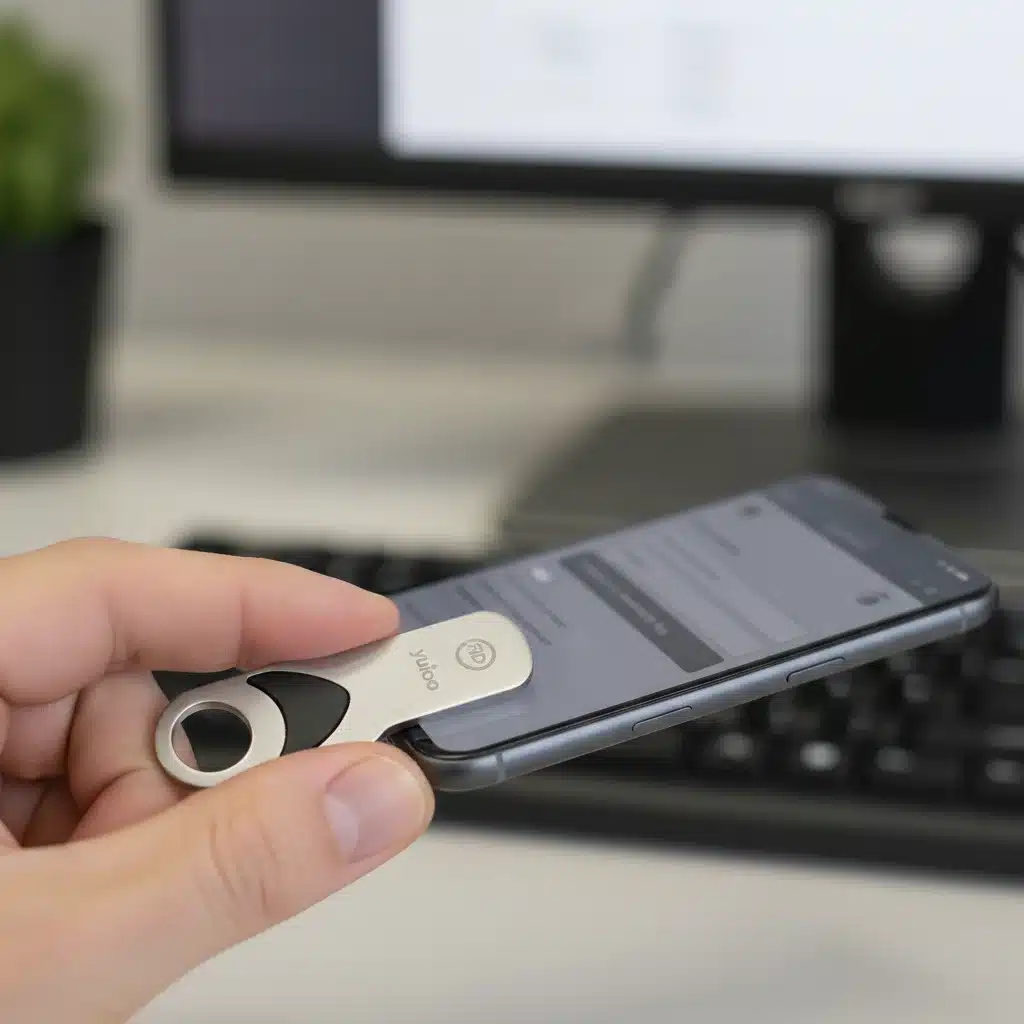
When it comes to the highest level of secure mobile 2FA, FIDO (Fast Identity Online) security keys stand out. These small, physical devices offer unparalleled protection against phishing, malware, and other common attack vectors. FIDO keys leverage public-key cryptography, making them incredibly difficult to compromise.
How FIDO Security Keys Work:
FIDO security keys, such as those from YubiKey or Google Titan, work by generating cryptographic keys that are unique to each service and user. When you log in to a FIDO-enabled service, you simply plug in the key (or tap it if it’s NFC-enabled) and touch it to confirm your identity. The key then cryptographically proves your identity to the service. This process is inherently resistant to phishing because the key verifies the website’s legitimacy before authenticating. Even if you were tricked into visiting a fake website, the FIDO key would refuse to authenticate, as it wouldn’t recognize the site’s cryptographic signature.
Benefits of FIDO Security Keys for Mobile Accounts:
- Phishing Resistance: This is their primary advantage. FIDO keys cryptographically verify the origin of the login request, ensuring you’re interacting with the legitimate service.
- Malware Resistance: Since the cryptographic operations happen within the hardware key, malware on your device cannot steal or manipulate the authentication process.
- Ease of Use: Once registered, authentication is often as simple as plugging in or tapping the key. Many modern smartphones support USB-C and NFC, making these keys highly compatible with mobile devices.
- Future-Proof: FIDO standards are continuously evolving and are supported by major tech companies like Google, Apple, and Microsoft, ensuring long-term viability.
- No Internet Connection Required (for authentication): Once registered, the key itself handles the cryptographic challenge, meaning you don’t need a network connection on your phone for the authentication step itself, only for the initial login to the service.
Considerations:
- Initial Setup: Requires a one-time registration process for each service.
- Physical Device: You need to carry the key with you, and losing it can be an inconvenience (though most services allow for backup methods).
- Cost: There’s an upfront cost for the physical key.
For individuals and organizations seeking the highest level of secure mobile 2FA, FIDO security keys are the undisputed champion. Their inherent resistance to sophisticated attacks makes them an essential tool for protecting critical mobile accounts in 2026.
2. Biometric Authentication: Your Body as a Secure Mobile 2FA Key
Biometric authentication has moved from science fiction to everyday reality, offering a highly convenient and secure mobile 2FA method. Utilizing unique biological characteristics, biometrics provide a seamless and strong layer of security for your mobile accounts.
Types of Biometric Authentication:
- Fingerprint Scanners: The most common form, found on nearly all smartphones.
- Facial Recognition: Advanced 3D facial mapping (like Apple’s Face ID) is highly secure, while simpler 2D facial recognition can be less robust.
- Iris Scanners: Less common but highly accurate, scanning the unique patterns of your iris.
How Biometrics Enhance Secure Mobile 2FA:
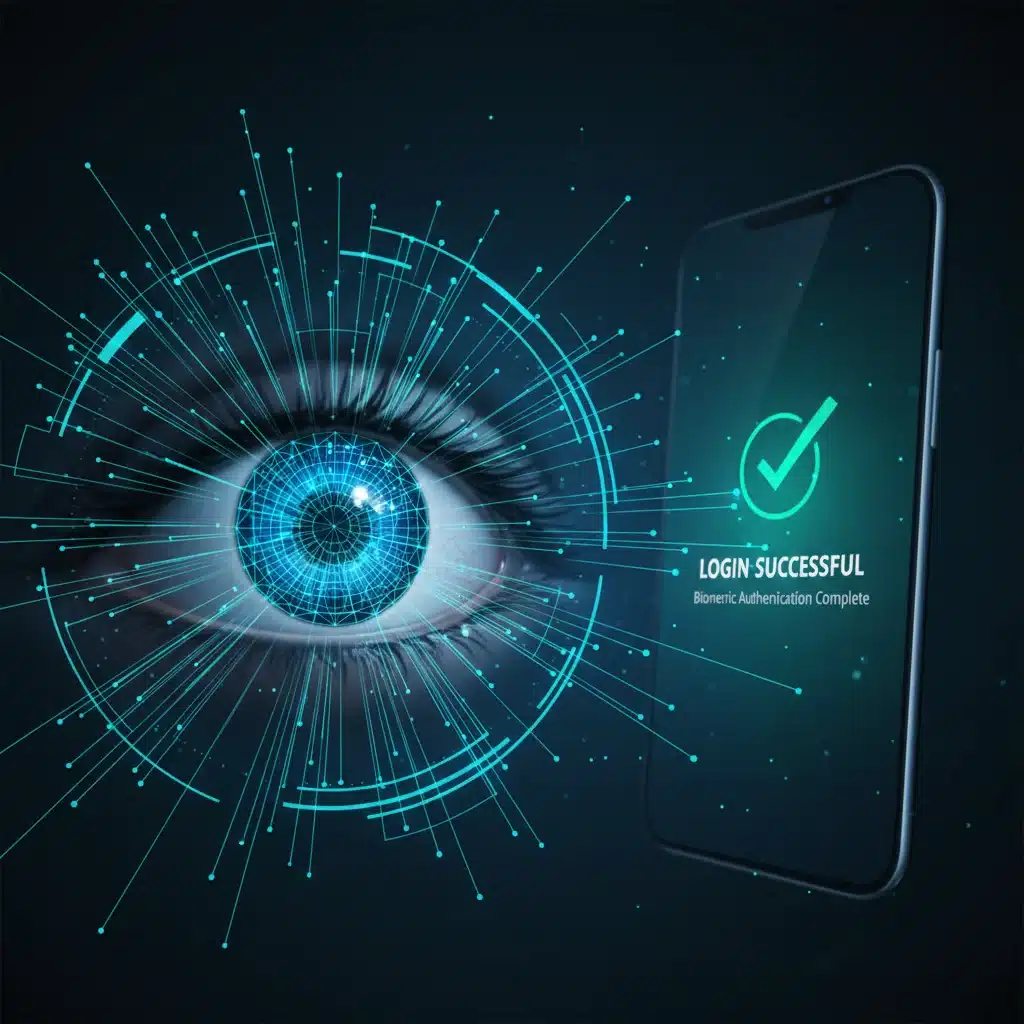
Biometric authentication works by capturing and analyzing a unique physical characteristic to verify identity. When you try to access a mobile account, your device’s biometric sensor scans your fingerprint, face, or iris. This data is then compared to a stored template on your device. If it matches, access is granted. The key to its security lies in the fact that your biometric data is stored locally on the device (often within a secure enclave or Trusted Execution Environment), not on remote servers, making it extremely difficult for attackers to steal.
Benefits of Biometric Authentication for Mobile Accounts:
- High Convenience: Unlocking your phone or authenticating an app is often as simple as a touch or a glance.
- Strong Security: Modern biometric systems, especially 3D facial recognition and advanced fingerprint sensors, are highly accurate and difficult to spoof.
- Always with You: Your biometrics are intrinsically linked to you, eliminating the need to carry separate devices or remember codes.
- Phishing Resistance: Since your biometric data is tied to your physical presence and device, it’s inherently resistant to remote phishing attempts.
- Integration with Device Security: Often integrated directly into the device’s operating system, providing a seamless and secure experience across various apps and services.
Considerations:
- Spoofing Potential (for weaker systems): Simpler 2D facial recognition can sometimes be fooled by photos or masks. Always opt for devices with advanced biometric sensors.
- Physical Compromise: In extremely rare and specific scenarios, physical coercion could force a user to authenticate.
- Device Dependence: If your device is lost or broken, you’ll need backup authentication methods.
For everyday secure mobile 2FA, biometrics offer an excellent balance of convenience and strong security. As technology advances, biometric systems are becoming even more robust and integrated, making them a cornerstone of mobile security in 2026.
3. Authenticator Apps: Time-Based One-Time Passwords (TOTP)
Authenticator apps, such as Google Authenticator, Microsoft Authenticator, Authy, or LastPass Authenticator, provide a significantly more secure alternative to SMS-based 2FA. They generate Time-based One-Time Passwords (TOTP) that are constantly changing, making them immune to many of the attacks that plague SMS codes.
How Authenticator Apps Work:
When you set up an authenticator app for a service, you’re typically presented with a QR code or a secret key. This key is used to synchronize the app with the service’s server. From that point on, both your app and the service use the same algorithm and the current time to generate a six-to-eight digit code that changes every 30-60 seconds. When you log in, you enter the code displayed on your authenticator app. Because the code is only valid for a very short period and is generated locally on your device, it’s far more secure than an SMS code.
Benefits of Authenticator Apps for Secure Mobile 2FA:
- Offline Functionality: Codes are generated on your device and do not require an internet connection, making them reliable even in areas with poor signal.
- Immunity to SIM Swapping: Since codes are generated by the app, not sent via SMS, SIM swapping attacks are ineffective.
- Phishing Resistance (partial): While the codes themselves are secure, users can still be phished into entering them on a fake site. However, the short lifespan of the code reduces the window for attackers to use it.
- Cost-Effective: Most authenticator apps are free to download and use.
- Centralized Management: You can manage 2FA for multiple services within a single app.
Considerations:
- Device Loss: If you lose your phone, you lose access to your authenticator app codes. It’s crucial to back up your authenticator app (if the app supports it securely) or store the secret keys in a safe place.
- Time Synchronization: Your device’s time must be accurately synchronized with network time for the codes to work correctly.
- Phishing Risk: While better than SMS, if an attacker can trick you into entering the code on a fake site in real-time, they could still gain access.
Authenticator apps offer a strong balance of security and convenience, making them an excellent choice for a wide range of mobile accounts. They are a significant upgrade from SMS 2FA and should be a standard part of your secure mobile 2FA strategy in 2026.
4. Push Notifications: Convenient and Secure Mobile 2FA
Push notifications offer a user-friendly and increasingly secure mobile 2FA method, often used by banks and major online services. Instead of entering a code, you simply approve a login attempt directly from a notification on your smartphone.
How Push Notifications Work:
When you attempt to log in to a service that uses push notification 2FA, the service sends a notification to a trusted device (usually your smartphone with the service’s app installed). This notification typically includes details about the login attempt, such as the location and device type. You then simply tap ‘Approve’ or ‘Deny’ within the notification or the app itself to complete the authentication. The communication between the service and your device often uses encrypted channels, adding to its security.
Benefits of Push Notifications for Secure Mobile 2FA:
- High Convenience: One-tap approval is often faster and less cumbersome than typing in a code.
- Contextual Information: Notifications often provide details about the login attempt (e.g., location, device), allowing you to easily identify fraudulent attempts.
- Phishing Resistance: Like FIDO keys, push notifications can be designed to be highly phishing-resistant. The request is sent to your registered device, and you’re not typing a code into a potentially fake website. If the push notification system validates the legitimate origin, it significantly reduces phishing risk.
- Out-of-Band Authentication: The authentication request is sent through a separate channel (the app’s push notification system) from the login attempt, making it harder for attackers to intercept both.
- User Experience: Often perceived as more modern and intuitive than code-based methods.
Considerations:
- Internet Connection Required: Your device needs an internet connection to receive push notifications.
- App Dependent: Requires the specific service’s app to be installed and logged in on your device.
- Notification Fatigue: For very frequent logins, constant push notifications might become annoying for some users.
- Social Engineering: While resistant to technical phishing, users can still be socially engineered into approving malicious requests if they don’t carefully review the notification details.
Push notifications represent a compelling choice for secure mobile 2FA, particularly for services that prioritize user experience without compromising security. Their ability to provide contextual information about login attempts adds a valuable layer of defense, making them a strong contender for your mobile accounts in 2026.
Implementing a Robust Secure Mobile 2FA Strategy in 2026
Adopting these more secure 2FA methods is not just about choosing one; it’s about building a comprehensive strategy. Here’s how you can effectively implement secure mobile 2FA for your accounts:
1. Prioritize Critical Accounts:
Start with your most sensitive accounts: email (your digital identity’s master key), banking, social media, cloud storage, and any accounts linked to financial transactions. These should be protected with the strongest available methods, ideally FIDO security keys or robust authenticator apps.
2. Choose the Right Method for Each Account:
- FIDO Keys: Best for your most critical accounts (e.g., primary email, password manager, cryptocurrency exchanges) where the highest level of phishing resistance is needed.
- Biometrics: Excellent for device unlock and app-specific authentication where convenience and strong, device-bound security are key.
- Authenticator Apps: A versatile and strong option for most other accounts, offering good security without needing physical hardware for every login.
- Push Notifications: Ideal for services that offer them, providing a balance of convenience and security, especially for banking and frequently accessed apps.
3. Always Set Up Backup Methods:
Even with the most secure methods, things can go wrong. Lose your FIDO key? Phone battery dead? Always ensure you have a secure backup plan. This might include:
- Backup FIDO Key: Register a second FIDO key and store it securely.
- Recovery Codes: Many services provide one-time recovery codes. Print these out and store them in a very safe, offline location (e.g., a locked safe).
- Alternative Authenticator App: Some services allow multiple authenticator app registrations.
4. Enable 2FA Everywhere Possible:
Make it a habit to enable 2FA on every service that offers it. Even if it’s SMS 2FA for a less critical account, it’s still better than just a password.
5. Educate Yourself and Others:
Stay informed about the latest security threats and best practices. Encourage friends and family to adopt stronger 2FA methods. The more people who use secure mobile 2FA, the safer the digital ecosystem becomes for everyone.
6. Regularly Review Your Security Settings:
Periodically check your account security settings to ensure 2FA is still active and that no unauthorized devices or methods have been added.
The Future of Secure Mobile 2FA: Passwordless Authentication
Looking even further into the future, the ultimate goal for secure mobile 2FA is passwordless authentication. Standards like WebAuthn (built on FIDO principles) are paving the way for a future where passwords become obsolete. Instead, users will rely entirely on strong, cryptographically secure methods like FIDO keys or biometrics integrated into their devices. This move promises to eliminate the weakest link in security – the human element of password creation and management – and usher in an era of truly seamless and secure authentication.
Many of the methods discussed here, particularly FIDO and advanced biometrics, are foundational to this passwordless future. As more services adopt these standards, the user experience will become even smoother, and the level of security will continue to rise exponentially.
Conclusion: Embrace Secure Mobile 2FA for a Safer Digital Life
The landscape of cybersecurity is constantly shifting, and our defenses must evolve with it. While SMS-based 2FA served its purpose for a time, its vulnerabilities are too significant to ignore in 2026. By embracing more secure mobile 2FA methods such as FIDO security keys, robust biometric authentication, reliable authenticator apps, and convenient push notifications, you can dramatically enhance the protection of your mobile accounts.
Moving beyond SMS is not just a recommendation; it’s a necessity for anyone serious about digital security. Take the proactive step today to secure your digital life with these advanced methods. Your peace of mind, and the integrity of your personal and financial data, depend on it. Don’t wait for a breach to happen; empower yourself with the best secure mobile 2FA available and navigate the digital world of 2026 with confidence.