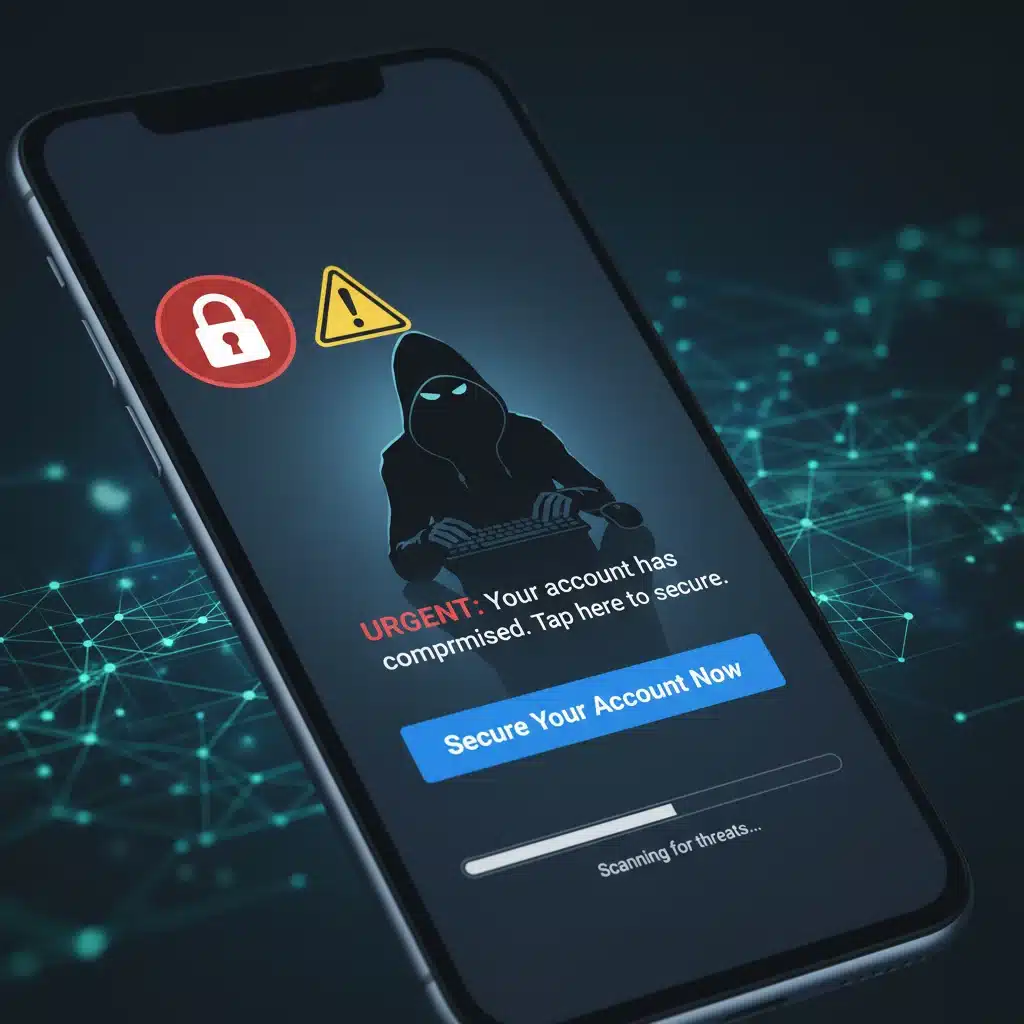
In an increasingly interconnected world, our mobile devices have become extensions of ourselves, holding our most sensitive data, from banking details to personal communications. This reliance, while convenient, has also made smartphones prime targets for cybercriminals. As we move further into 2026, the landscape of cyber threats continues to evolve, with mobile phishing scams becoming more sophisticated and harder to detect. Understanding these evolving threats is not just advisable; it’s absolutely essential for safeguarding your digital life.
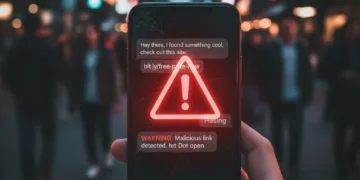
The term “phishing” might sound familiar, conjuring images of suspicious emails from unknown senders. However, mobile phishing, often referred to as smishing (SMS phishing) or vishing (voice phishing), takes advantage of the unique vulnerabilities and usage patterns of mobile devices. These attacks are designed to trick users into revealing personal information, downloading malware, or granting unauthorized access to their accounts. The urgency, personalization, and often the brevity of mobile communications make them particularly effective vehicles for these scams.
This article aims to be your definitive guide to navigating the treacherous waters of mobile cybersecurity in 2026. We will delve deep into the latest tactics employed by cybercriminals, offering a proactive approach to identifying and neutralizing these threats. Our focus will be on three particularly insidious new tactics that have gained traction in early 2026, providing you with the knowledge to stay one step ahead. More importantly, we will equip you with practical, actionable strategies to protect yourself, your data, and your peace of mind.
So, buckle up. The digital world is a dynamic place, and staying secure requires constant vigilance and updated knowledge. Let’s explore the new frontier of mobile phishing tactics and arm ourselves against the rising tide of cybercrime.
The Evolution of Mobile Phishing: Why It’s More Dangerous Than Ever
Mobile phishing isn’t a new phenomenon, but its evolution has been relentless. Gone are the days of easily identifiable, poorly worded scam messages. Today’s cybercriminals are masters of social engineering, leveraging advanced techniques to craft highly convincing and personalized attacks. Several factors contribute to the increased danger of mobile phishing in 2026:
1. The Ubiquity of Mobile Devices
Smartphones are now an indispensable part of daily life for billions worldwide. This widespread adoption means a larger attack surface for cybercriminals. People use their phones for everything: banking, shopping, communication, work, and entertainment. This concentration of activity on a single device makes it an incredibly attractive target.
2. Always-On Connectivity
Unlike desktop computers that might be turned off or used intermittently, smartphones are almost always on and connected to the internet. This constant connectivity provides attackers with continuous opportunities to launch their campaigns, knowing that their targets are likely to be reachable at any given moment. The immediacy of notifications often prompts quick, unthinking responses, which scammers exploit.
3. Smaller Screens, Less Scrutiny
The smaller screen size of mobile devices can make it difficult to scrutinize details that might reveal a scam on a larger monitor. Malicious URLs can be easily disguised, sender information truncated, and subtle inconsistencies overlooked. Users are also more likely to be distracted when using their phones on the go, reducing their vigilance.
4. App-Based Ecosystems
While app stores have security measures, malicious apps occasionally slip through, or legitimate apps can be exploited. Phishing attacks can originate from within seemingly trustworthy applications, or they can mimic app notifications to trick users into revealing credentials. The rise of super-apps, which integrate multiple services, also creates a single point of failure if compromised.
5. Sophisticated Social Engineering
Attackers now have access to vast amounts of personal data, often gleaned from data breaches or public social media profiles. This allows them to craft highly personalized and believable phishing messages that leverage your name, recent purchases, or even your professional contacts. These targeted attacks, known as spear phishing, are far more effective than generic blasts.
6. Evolving Attack Vectors
Beyond traditional SMS and email, mobile phishing now utilizes a wider array of communication channels. Messaging apps like WhatsApp, Telegram, and even social media direct messages are becoming popular conduits for scams. QR code phishing (quishing) and even calendar invitation phishing are also on the rise, demonstrating the attackers’ creativity in finding new ways to reach their victims.
Understanding these underlying factors is crucial for appreciating the gravity of the threat posed by modern mobile phishing tactics. Now, let’s explore the specifics of what’s new in early 2026.
New Mobile Phishing Tactics in Early 2026
Cybercriminals are constantly innovating, and early 2026 has seen the emergence of several highly effective and concerning mobile phishing tactics. Here are three that demand your immediate attention:
Tactic 1: AI-Powered Deepfake Voice and Video Phishing (Vishing 2.0)
One of the most alarming developments is the sophisticated use of Artificial Intelligence (AI) to generate highly realistic deepfake audio and video. While deepfakes have been a concern for some time, their application in mobile phishing has reached a new level of realism and accessibility for attackers.
How it Works:
Attackers now use AI to clone voices of individuals – often family members, colleagues, or even senior executives – from publicly available audio (e.g., social media videos, voicemail greetings). They then use these cloned voices in vishing calls or voice messages, creating urgent scenarios like an unexpected emergency, a missed payment, or a request for immediate financial transfer. The victim, hearing a familiar voice, is far more likely to comply without questioning.
In some advanced cases, deepfake video calls are being attempted, though these are still less common due to higher computational demands. However, even a brief, convincing deepfake audio message can be enough to elicit a knee-jerk reaction from the target.
Why it’s Effective:
The human element of hearing a familiar voice bypasses many of our usual rational defenses. Our brains are hardwired to trust the voices of those we know. The urgency created by the scam scenario, combined with the familiarity of the voice, makes this tactic incredibly potent and difficult to detect, especially over a mobile call where visual cues are absent or limited.
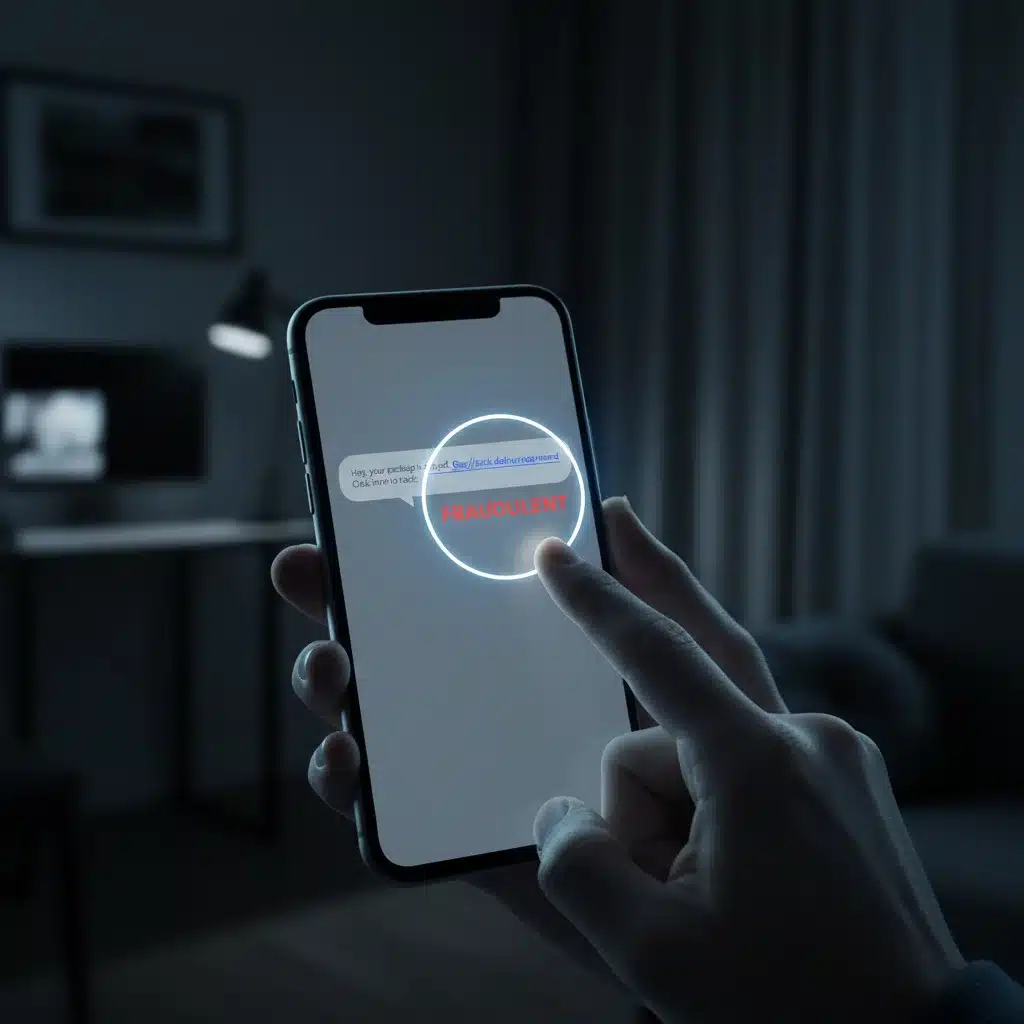
Tactic 2: QR Code Phishing (Quishing) with Dynamic Landing Pages
QR codes have become ubiquitous, facilitating everything from restaurant menus to payment processing. Cybercriminals have seized upon this convenience, developing sophisticated QR code phishing, or “quishing,” campaigns that are much harder to trace and block.
How it Works:
Attackers distribute malicious QR codes in various ways: physically placed on legitimate public signage (e.g., parking meters, public Wi-Fi access points), embedded in emails or digital documents, or even through compromised websites. When scanned with a mobile device, these QR codes don’t just lead to a static phishing page. Instead, they redirect the user to a dynamic landing page that mimics a legitimate service (e.g., banking portal, utility bill payment, parcel tracking) and is specifically tailored to the user’s device and location.
These dynamic pages often incorporate legitimate branding, subtle variations in URLs that are hard to spot on a mobile screen, and sometimes even a brief, convincing loading animation or CAPTCHA to make them appear more authentic before prompting for credentials or personal information. The use of dynamic content makes it harder for security software to flag the page as malicious immediately.
Why it’s Effective:
The trust placed in QR codes for quick access, combined with the difficulty of inspecting a URL before scanning, makes quishing highly effective. The dynamic nature of the landing pages further enhances their believability. Many users scan QR codes without a second thought, immediately exposing themselves to sophisticated traps designed to harvest their data. The attacker can quickly change the destination URL, making it a moving target for detection.
Tactic 3: Mobile App Impersonation and “Shadow App” Installation
While app stores have improved security, attackers are finding new ways to trick users into installing malicious applications or granting excessive permissions to seemingly benign ones. This new tactic focuses on creating highly convincing impersonations and exploiting user trust in mobile app ecosystems.
How it Works:
This tactic involves two main approaches:
- Impersonation through Third-Party Stores/Direct Downloads: Attackers create near-perfect replicas of popular apps (e.g., banking apps, messaging apps, VPNs) and distribute them through unofficial app stores, compromised websites, or direct download links sent via smishing or email. These “shadow apps” look identical to the real thing but contain malware designed to steal credentials, intercept communications, or gain remote control of the device.
- Permission Exploitation via Legitimate-Looking Apps: In more subtle cases, attackers develop seemingly innocuous apps (e.g., flashlight apps, simple games, utility tools) that request an excessive number of permissions (e.g., access to contacts, SMS, microphone, camera, location). Users often grant these permissions without reading them. Once installed, these apps can then surreptitiously collect data or perform malicious actions in the background, acting as a backdoor for further attacks. They might even display fake system notifications to prompt users for sensitive information.
Why it’s Effective:
Users are accustomed to downloading apps, and the visual similarity of these imposter apps makes them very convincing. The promise of free or enhanced features can lure users away from official app stores. Furthermore, the tendency to blindly accept permission requests on mobile devices plays directly into the attackers’ hands. These mobile phishing tactics leverage the convenience of the app ecosystem against the user, turning a trusted tool into a vector for compromise.
Comprehensive Strategies to Avoid Mobile Phishing Scams
Knowing the new mobile phishing tactics is only half the battle. The other half is implementing robust prevention strategies. Here’s a comprehensive guide to protecting yourself and your data:
1. Enhance Your Skepticism and Verify Everything
- Pause Before You Act: The golden rule of cybersecurity is to never act on impulse, especially when a message creates a sense of urgency or fear. Take a moment to breathe and think before clicking a link, scanning a QR code, or responding to a request.
- Verify the Sender: Always double-check the sender’s identity. For SMS, is the number truly from your bank or service provider? For emails, scrutinize the full email address, not just the display name. Be wary of slight misspellings or unusual domains.
- Cross-Reference Information: If you receive a suspicious call or message, especially one involving financial requests or personal data, independently verify the information. Use official contact channels (e.g., call the customer service number listed on their official website, not a number provided in the suspicious message) to confirm the request.
- Be Wary of Unexpected Requests: Legitimate organizations rarely ask for sensitive information (passwords, PINs, full credit card numbers) via unprompted email, SMS, or phone calls. If they do, it will typically be within a secure, authenticated portal you initiated.
2. Master Link and QR Code Inspection
- Hover Before You Click (where possible): On some mobile email clients, you can long-press a link to reveal the full URL without navigating to it. Always inspect the URL for legitimacy. Look for the secure ‘https://’ and ensure the domain name is correct (e.g., ‘yourbank.com’, not ‘yourbank.secure-login.net’).
- Use a QR Code Scanner with Preview: Many modern QR code scanners offer a preview of the URL before you proceed. Always use this feature. If your default camera app doesn’t offer it, download a reputable third-party scanner that does. If the preview shows a suspicious or unfamiliar domain, do not proceed.
- Consider URL Shorteners with Caution: While legitimate, URL shorteners (like bit.ly, tinyurl.com) can easily mask malicious destinations. If a shortened URL appears in a suspicious context, avoid clicking it.
3. Secure Your Mobile Device and Apps
- Only Download Apps from Official Stores: Stick exclusively to the official Google Play Store for Android and Apple App Store for iOS. These stores have vetting processes, though not foolproof, that significantly reduce the risk of malicious apps. Avoid third-party app stores or direct APK downloads.
- Review App Permissions Diligently: Before installing any app, review the permissions it requests. Does a flashlight app really need access to your contacts, microphone, or SMS messages? If permissions seem excessive or unrelated to the app’s function, do not install it. You can also revoke permissions for installed apps via your phone’s settings.
- Keep Your Device and Apps Updated: Software updates often include critical security patches that fix vulnerabilities exploited by attackers. Enable automatic updates for your operating system and all installed applications.
- Use a Reputable Mobile Security Solution: Consider installing a well-regarded mobile antivirus or security app. These tools can help detect and block malicious apps, phishing attempts, and suspicious websites.
- Enable Biometric Authentication and Strong Passcodes: Secure your device with a strong PIN, pattern, fingerprint, or facial recognition. This prevents unauthorized access if your phone is lost or stolen.
4. Implement Strong Account Security
- Enable Multi-Factor Authentication (MFA): This is perhaps the single most effective defense against credential theft. Even if a phisher gets your password, MFA (using an authenticator app, hardware token, or even SMS code) will prevent them from logging in. Enable it on all your critical accounts (email, banking, social media, cloud services).
- Use Strong, Unique Passwords: Never reuse passwords across different accounts. Use a password manager to generate and store complex, unique passwords for every service.
- Regularly Monitor Your Accounts: Check your bank statements, credit card activity, and email login history regularly for any suspicious activity. Set up alerts for unusual transactions.
5. Educate Yourself and Others
- Stay Informed: Cyber threats are constantly evolving. Follow reputable cybersecurity news sources and government advisories to stay updated on the latest mobile phishing tactics and scams.
- Educate Your Loved Ones: Share this knowledge with family, friends, and colleagues, especially those who might be less tech-savvy. A collective defense is a stronger defense.
- Report Phishing Attempts: Forward suspicious emails to your email provider’s abuse address (e.g., abuse@gmail.com, abuse@outlook.com) and report suspicious text messages to your carrier (e.g., by forwarding to 7726 in the US). This helps service providers identify and block malicious sources.
The Future of Mobile Phishing: What’s Next?
While we’ve focused on the tactics prevalent in early 2026, it’s important to acknowledge that the threat landscape is ever-changing. We can anticipate even more sophisticated mobile phishing tactics in the near future. Here are a few predictions for what might come next:
1. Hyper-Personalized AI-Generated Content
Beyond deepfake voices, expect AI to generate entire phishing narratives, emails, and even social media profiles that are indistinguishable from legitimate ones. These will be tailored with extreme precision to individual targets, leveraging vast datasets to exploit personal interests, professional connections, and emotional vulnerabilities. The content will be grammatically perfect, contextually relevant, and visually flawless.
2. Exploitation of Emerging Technologies (AR/VR, IoT)
As augmented reality (AR) and virtual reality (VR) become more integrated into mobile experiences, phishing attacks could extend into these immersive environments. Imagine a fake AR overlay prompting you to “authenticate” with your banking details, or a VR experience designed to steal credentials. Similarly, the growing number of Internet of Things (IoT) devices connected to our phones could become new vectors for attacks, with phishing messages appearing on smart displays or through smart home assistants.
3. Advanced Supply Chain Attacks Targeting Mobile Ecosystems
We might see more sophisticated attacks targeting the mobile software supply chain. This could involve compromising legitimate app developers or service providers to inject malicious code into widely used apps or system updates. Such attacks would be extremely difficult for individual users to detect, emphasizing the need for robust industry-wide security measures and vigilance from official app stores.
4. Mobile Ransomware Evolution
While mobile ransomware exists, future versions could become far more insidious, not just locking devices but selectively encrypting critical personal files or exfiltrating data and threatening to release it unless a ransom is paid. The integration with phishing tactics would involve tricking users into installing the ransomware through highly convincing social engineering.
Conclusion: Your Proactive Shield Against Mobile Phishing
The digital world, particularly the mobile sphere, presents an unparalleled level of convenience and connectivity. However, this comes with the inherent responsibility of staying informed and vigilant against those who seek to exploit these advantages for malicious purposes. The mobile phishing tactics of early 2026, from AI-powered deepfakes to sophisticated quishing and shadow apps, underscore the continuous need for a proactive and educated approach to cybersecurity.
By internalizing the strategies outlined in this guide – cultivating skepticism, meticulously verifying communications, securing your devices and accounts, and staying continuously informed – you build a powerful personal firewall. Remember, you are the first and often the last line of defense against these evolving threats. Your awareness and cautious actions are invaluable in protecting your personal information, financial assets, and digital identity.
The battle against cybercrime is ongoing, but with knowledge as your weapon and vigilance as your shield, you can navigate the complexities of the mobile landscape securely and confidently. Stay safe, stay smart, and never underestimate the ingenuity of those who wish to do harm, nor your own power to prevent it.