Transform Your Hybrid Work: Top 4 Digital Tools for US Workers by 2026
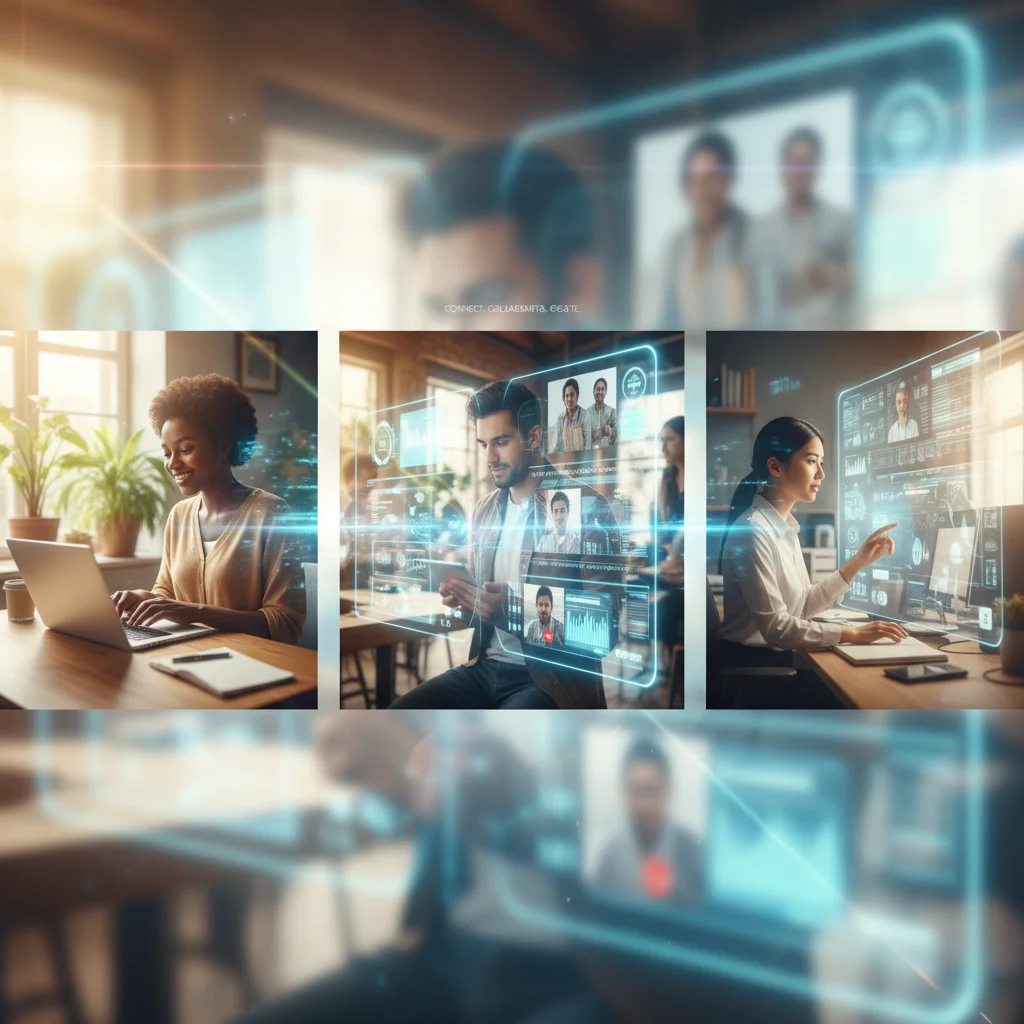
The landscape of work has undergone a seismic shift, accelerated by global events and technological advancements. What was once considered a niche or a perk – hybrid work – has now become a standard operating model for countless organizations across the United States. As we look towards Summer 2026, the imperative for US hybrid workers to optimize their digital workspaces becomes clearer than ever. This isn’t just about adapting; it’s about thriving, leveraging technology not just to cope, but to excel.
The term hybrid work tools encompasses a vast array of software, platforms, and applications designed to bridge the gap between physical and virtual work environments. For the discerning US hybrid worker, selecting the right tools isn’t merely a matter of convenience; it’s a strategic decision that directly impacts productivity, collaboration, well-being, and ultimately, career trajectory. The goal is to create a seamless, efficient, and engaging work experience, regardless of where the work is being done.
This comprehensive guide delves into four essential categories of digital tools that US hybrid workers must not only be familiar with but actively integrate into their daily routines by Summer 2026. We’ll explore why these tools are critical, what features to look for, and how they can collectively transform your approach to hybrid work. Prepare to elevate your digital dexterity and solidify your position as a highly effective hybrid professional.
The Evolving Hybrid Work Landscape: Why Digital Tools are Non-Negotiable
Before diving into specific tools, it’s crucial to understand the context. Hybrid work, by its very definition, blends in-office and remote work. This model offers unparalleled flexibility but also introduces unique challenges. Communication can become fragmented, collaboration can suffer from a lack of spontaneous interaction, and maintaining a strong team culture can be difficult when not everyone is physically together. This is precisely where effective hybrid work tools step in, acting as the digital glue that holds everything together.
Bridging the Proximity Gap
One of the primary challenges in hybrid environments is the proximity bias – the unconscious tendency to favor those who are physically present. Digital tools combat this by creating a level playing field, ensuring that remote workers have equal access to information, discussions, and opportunities. From virtual whiteboards that allow real-time brainstorming to advanced communication platforms that integrate various forms of interaction, these tools ensure that distance doesn’t equate to disadvantage.
Enhancing Productivity and Efficiency
The promise of hybrid work often includes increased productivity due to reduced commute times and greater autonomy. However, this promise can only be fully realized with the right digital infrastructure. Task management systems, automation tools, and integrated suites help individuals and teams streamline workflows, minimize administrative overhead, and focus on high-impact activities. For US hybrid workers, mastering these tools translates directly into more efficient days and more impactful contributions.
Fostering Collaboration and Innovation
Innovation thrives on collaboration and the free exchange of ideas. In a hybrid setting, this requires intentional effort and the right technological support. Tools that facilitate shared document creation, real-time feedback, and structured brainstorming sessions are vital. They allow teams to co-create, problem-solve, and innovate, irrespective of their physical locations. The best hybrid work tools are designed to replicate, and often enhance, the spontaneous creativity that can occur in a traditional office.
Supporting Employee Well-being
The flexibility of hybrid work can be a double-edged sword. While it offers better work-life integration, it can also blur the lines between personal and professional life, leading to burnout. Digital tools can play a role in promoting well-being by helping workers manage their time effectively, set boundaries, and access resources. Features like focus modes, scheduling assistants, and even mental wellness apps integrated into the digital workspace contribute to a healthier work experience.
Category 1: Advanced Communication & Collaboration Platforms
At the heart of any successful hybrid model lies robust communication. By Summer 2026, relying solely on email or basic chat applications will be insufficient. US hybrid workers need integrated platforms that offer a rich tapestry of communication modalities, from instant messaging to video conferencing, and beyond.
Key Features to Look For:
- Integrated Messaging & Channels: Beyond simple chat, look for platforms that allow for organized channels based on projects, teams, or topics. This prevents information silos and ensures everyone has access to relevant discussions.
- High-Quality Video Conferencing: With features like screen sharing, virtual backgrounds, noise suppression, and breakout rooms, advanced video conferencing is crucial for effective virtual meetings.
- File Sharing & Co-editing: The ability to share documents securely and collaborate on them in real-time is non-negotiable. Version control and comment tracking are also vital.
- Meeting Transcription & Summarization: AI-powered features that can transcribe meetings and even provide summaries of key decisions and action items save immense amounts of time and ensure clarity.
- Integration Capabilities: The platform should seamlessly integrate with other essential tools, such as calendars, project management software, and CRM systems, creating a unified digital ecosystem.
Why They Are Essential for US Hybrid Workers:
These platforms are the central nervous system of a hybrid organization. They ensure that communication flows freely, decisions are made efficiently, and everyone remains connected, regardless of their location. For US hybrid workers, mastering these tools means being able to participate fully in team dynamics, contribute effectively to projects, and maintain strong professional relationships with colleagues and clients. They reduce the friction inherent in distributed teams, fostering a sense of cohesion and shared purpose.
Imagine a scenario where a critical project update needs to be disseminated to a team spread across three time zones. An advanced communication platform allows for a quick video huddle, with key points summarized automatically and action items assigned instantly. This level of efficiency is unattainable with fragmented communication methods.
Category 2: Intelligent Project & Task Management Systems
Managing projects in a hybrid environment can be complex. Tracking progress, assigning tasks, and ensuring accountability requires more than just spreadsheets. By Summer 2026, US hybrid workers will need to be proficient in intelligent project and task management systems that provide transparency, foster accountability, and streamline workflows.
Key Features to Look For:
- Visual Project Boards (Kanban, Gantt Charts): These provide clear visual representations of project progress, deadlines, and task assignments, making it easy for everyone to see the big picture and their individual contributions.
- Task Assignment & Tracking: Robust features for assigning tasks, setting due dates, adding subtasks, and tracking completion status are fundamental.
- Dependency Management: The ability to link tasks and define dependencies ensures that work flows logically and bottlenecks are identified proactively.
- Resource Allocation: Tools that help manage team members’ workloads and allocate resources effectively prevent burnout and optimize productivity.
- Reporting & Analytics: Dashboards and reports that provide insights into project health, team performance, and potential risks are invaluable for proactive management.
- Automation Capabilities: Automating repetitive tasks, notifications, and workflow triggers can significantly boost efficiency.
Why They Are Essential for US Hybrid Workers:
Intelligent project and task management systems bring order to the potential chaos of distributed work. They ensure that every team member knows what they need to do, by when, and how their work fits into the larger organizational goals. For US hybrid workers, these tools are not just about personal organization; they are about collective effectiveness. They enable seamless handoffs between in-office and remote colleagues, provide a single source of truth for project information, and reduce the need for constant status update meetings.
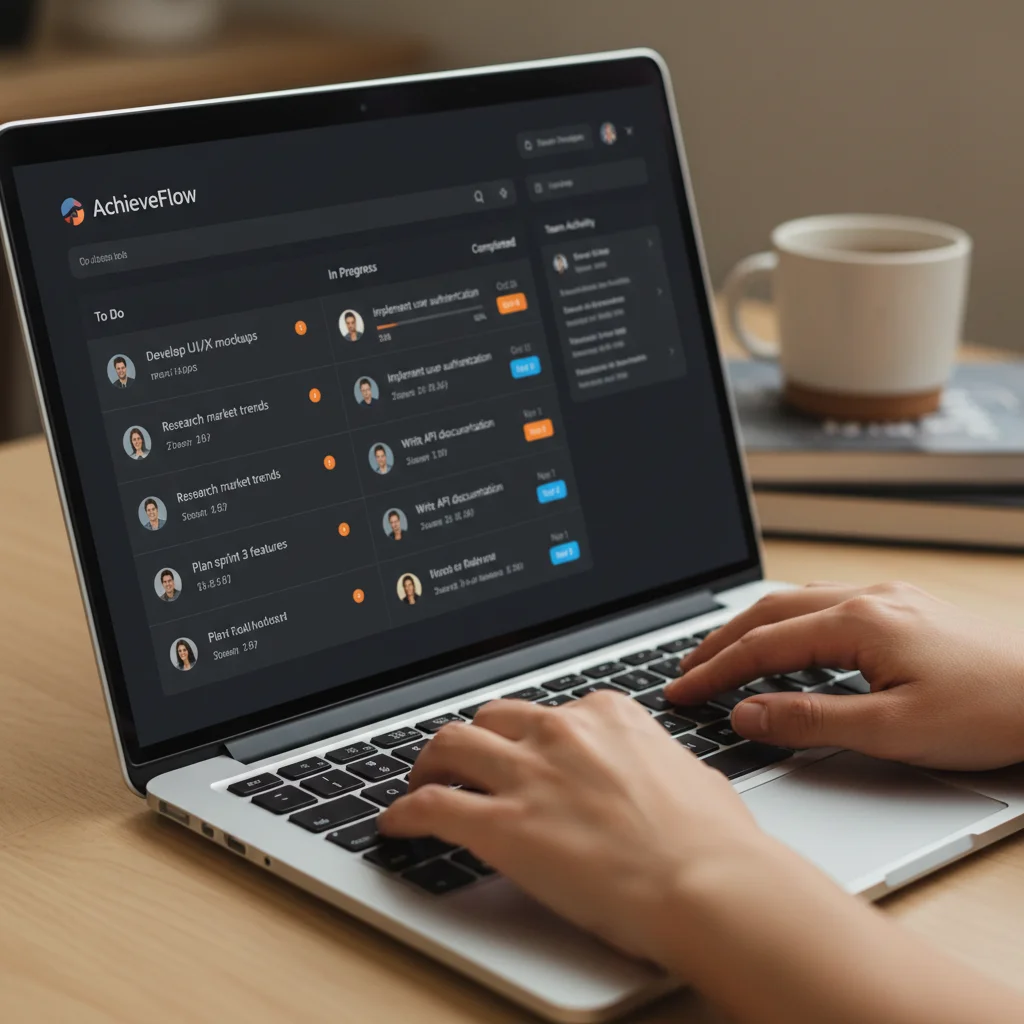
Consider a marketing campaign with various deliverables and deadlines. A well-implemented project management system allows the content writer, graphic designer, and social media manager – potentially in different locations – to track each other’s progress, identify dependencies, and ensure the campaign launches smoothly and on time. This proactive approach minimizes delays and maximizes output, directly impacting business success.
Category 3: Secure Cloud-Based Document Management & Storage
The days of relying on local servers or emailing document attachments are long gone. For hybrid work to function effectively and securely, cloud-based document management and storage solutions are paramount. By Summer 2026, US hybrid workers must be adept at utilizing these platforms to ensure data accessibility, integrity, and security.
Key Features to Look For:
- Centralized Storage: A single, secure location for all company documents, accessible from anywhere, on any device.
- Version Control: The ability to track changes, revert to previous versions, and see who made what edits is crucial for collaborative work and auditing.
- Granular Permissions: Robust access controls that allow administrators to define who can view, edit, or share specific documents and folders.
- Search & Organization: Powerful search capabilities, tagging, and folder structures that make it easy to find information quickly.
- Security & Compliance: End-to-end encryption, multi-factor authentication, and compliance with industry standards (e.g., HIPAA, GDPR, SOC 2) are non-negotiable for protecting sensitive data.
- Offline Access: The ability to work on documents offline and automatically sync changes when an internet connection is restored.
Why They Are Essential for US Hybrid Workers:
These tools are the digital filing cabinets and libraries of the modern hybrid workforce. They eliminate the frustration of searching for outdated files, ensure everyone is working on the most current version of a document, and provide a secure environment for sensitive information. For US hybrid workers, proficiency in these systems means enhanced efficiency, reduced risk of data loss, and the peace of mind that comes with knowing their work is securely stored and readily accessible.
Imagine a legal team working on a critical client case. With a secure cloud-based document management system, lawyers and paralegals can access case files from their home offices, the courtroom, or a client meeting, knowing that all documents are up-to-date, secure, and compliant with legal standards. This level of mobility and assurance is fundamental to modern professional practice.
Category 4: Digital Wellness & Focus Enhancers
The blurred lines between work and life in a hybrid model can lead to digital fatigue and decreased focus. By Summer 2026, successful US hybrid workers will be leveraging digital wellness and focus-enhancing tools to maintain productivity, prevent burnout, and foster a healthier relationship with technology.
Key Features to Look For:
- Time Management & Pomodoro Timers: Tools that help structure work intervals with breaks, encouraging focused sprints and preventing prolonged screen time.
- Distraction Blockers: Applications that temporarily block distracting websites, social media, or notifications during designated focus periods.
- Digital White Noise/Focus Music: Background sounds or music specifically designed to improve concentration and mask environmental distractions.
- Screen Time Trackers & Usage Reports: Insights into how time is spent on various applications, helping individuals identify and reduce time sinks.
- Ergonomic Software Reminders: Tools that prompt users to take breaks, adjust posture, or perform stretches, promoting physical well-being.
- Mindfulness & Meditation Apps: Integrations or standalone apps that offer guided meditations or breathing exercises to reduce stress and improve mental clarity.
Why They Are Essential for US Hybrid Workers:
These tools are not just ‘nice-to-haves’; they are crucial for sustaining long-term productivity and preventing burnout in the demanding hybrid work environment. For US hybrid workers, mastering these enhancers means cultivating a disciplined approach to their digital lives, protecting their mental and physical health, and ultimately, delivering consistent high-quality work. They empower individuals to take control of their attention and energy, rather than being constantly reactive to digital stimuli.
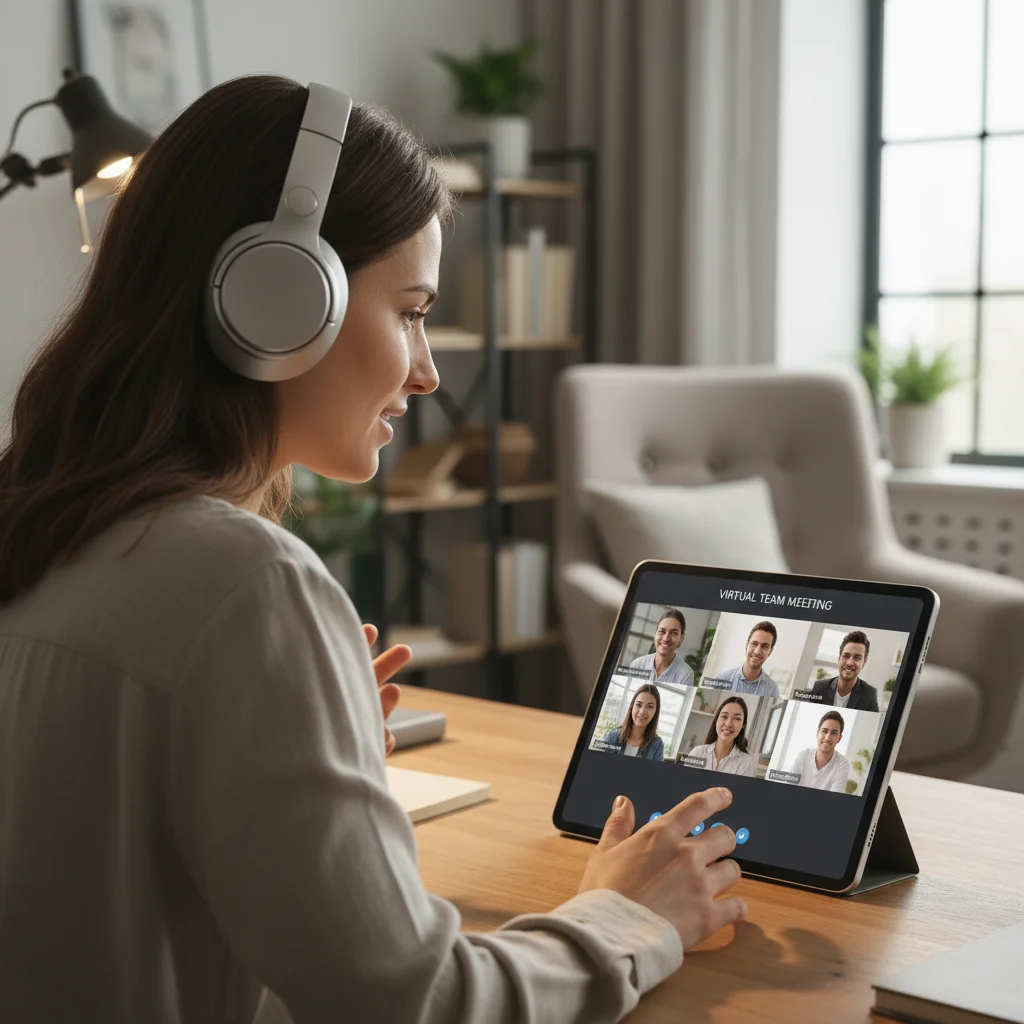
Consider a software developer working on a complex coding task from home. Using a distraction blocker to mute non-essential notifications and a Pomodoro timer to structure work into focused sprints can significantly improve code quality and reduce errors, preventing mental fatigue. These small, consistent practices build resilience and sustained performance.
Implementing Your Hybrid Work Tools Strategy by Summer 2026
Adopting these hybrid work tools isn’t a one-time event; it’s an ongoing process that requires intentionality and a strategic approach. For US hybrid workers aiming to be at the forefront of efficiency and effectiveness by Summer 2026, here are some actionable steps:
1. Assess Your Current Stack
Before introducing new tools, take stock of what you’re currently using. Identify redundancies, inefficiencies, and gaps. Are your existing tools truly supporting your hybrid workflow, or are they creating more friction? A critical evaluation will help you prioritize where to invest your time and resources.
2. Prioritize Based on Need and Impact
While all four categories are important, your immediate priorities might vary. For some, communication might be the biggest bottleneck, while for others, project tracking is more critical. Focus on implementing tools that will have the most significant positive impact on your daily work and team collaboration.
3. Embrace Continuous Learning
Technology evolves rapidly. Make a commitment to continuous learning. Explore new features within your existing tools, watch tutorials, and participate in webinars. The more proficient you become, the more value you’ll extract from these investments. By Summer 2026, new iterations and entirely new solutions will have emerged, requiring ongoing adaptation.
4. Advocate for Organizational Adoption
While individual tool adoption is important, the true power of these platforms is unlocked when they are adopted at an organizational level. If you discover a tool that significantly enhances your productivity, share your findings with your team and leadership. Championing better hybrid work tools can benefit everyone.
5. Seek Integration Opportunities
The most effective digital workspaces are integrated. Look for tools that can communicate with each other, minimizing context switching and manual data entry. For example, integrating your communication platform with your project management system can automatically create tasks from messages or update project statuses based on meeting outcomes.
6. Establish Best Practices and Etiquette
Simply having the tools isn’t enough; knowing how to use them effectively is key. Establish clear guidelines and etiquette for using each tool. For instance, when to use instant message vs. email, or when a video call is necessary over a text-based update. This ensures that the tools enhance, rather than hinder, communication and productivity.
7. Focus on Outcomes, Not Just Presence
The shift to hybrid work, supported by these tools, reinforces a focus on outcomes. Managers and employees alike should prioritize measurable results rather than hours spent or physical presence. The tools provide the transparency needed to track progress and celebrate achievements, fostering a culture of trust and autonomy.
The Future is Hybrid: Your Digital Toolkit for Success
By Summer 2026, the distinction between ‘remote’ and ‘in-office’ will continue to blur, making the concept of a truly integrated digital workspace essential for US hybrid workers. The four categories of hybrid work tools discussed – Advanced Communication & Collaboration Platforms, Intelligent Project & Task Management Systems, Secure Cloud-Based Document Management & Storage, and Digital Wellness & Focus Enhancers – are not just trends; they are foundational pillars for sustained success in the evolving professional landscape.
Embracing these technologies is more than just learning new software; it’s about adopting a new mindset that values flexibility, efficiency, and well-being. It’s about empowering yourself to work smarter, collaborate more effectively, and achieve a better balance in your professional and personal life. The investment in understanding and utilizing these tools will pay dividends, positioning you as a highly adaptable and invaluable asset in any hybrid organization.
Start your journey today. Research the leading platforms in each category, experiment with free trials, and identify the solutions that best fit your individual workflow and your team’s needs. The future of work is here, and with the right digital toolkit, US hybrid workers are poised to lead the way.