Are Your Apps Spying on You? How to Audit App Permissions and Reduce Data Exposure by 40% in 2026

In our increasingly connected world, mobile applications have become indispensable. From managing our finances to tracking our fitness, apps permeate every aspect of our daily lives. Yet, beneath the surface of convenience lies a complex web of data collection and privacy implications. The question isn’t if your apps are collecting data, but rather, how much, what kind, and for what purpose. This comprehensive guide will empower you to conduct a thorough app privacy audit, understand the risks of data exposure, and implement strategic measures to significantly reduce your digital footprint. Our ambitious goal? To help you reduce your personal data exposure by a remarkable 40% by 2026.
The Ubiquitous Nature of App Data Collection
Every tap, swipe, and interaction you make within an app generates data. This data, often referred to as metadata, can include everything from your location and contacts to your browsing habits and even biometric information. While some data collection is necessary for an app to function, a significant portion goes beyond essential operations, fueling targeted advertising, market research, and sometimes, less transparent agendas.
Why Should You Care About App Data Collection?
The implications of extensive data collection are far-reaching. Beyond the annoyance of personalized ads, unchecked data exposure can lead to:
- Identity Theft: Malicious actors can piece together enough personal information to commit fraud.
- Privacy Invasion: Your personal life, habits, and preferences can be exposed to entities you don’t trust.
- Discrimination: Data can be used to unfairly target or exclude individuals based on demographics, health, or financial status.
- Security Vulnerabilities: Large datasets held by companies become attractive targets for cyberattacks, potentially exposing your information.
- Loss of Control: You lose agency over your own digital identity when your data is freely shared and monetized without your explicit, informed consent.
Understanding the gravity of these risks is the first step towards taking control through an effective app privacy audit.
Understanding App Permissions: The Gateway to Your Data
App permissions are the requests an application makes to access specific features or data on your device. When you install an app, you’re often prompted to grant these permissions. Many users, eager to use a new app, click ‘Allow’ without fully understanding the implications. This is where the app privacy audit begins.
Common App Permissions and Their Implications:
- Location: Allows an app to know your precise geographical position. While essential for navigation apps, why does a flashlight app need it?
- Contacts: Grants access to your entire address book. Used by social media apps to find friends, but also by others to build vast social graphs.
- Camera/Microphone: Enables photo/video capture and audio recording. Critical for video calls, but concerning if used surreptitiously.
- Storage: Permits reading and writing files on your device. Necessary for photo editors, but could be exploited to access sensitive documents.
- SMS/Call Logs: Access to your text messages and call history. Highly sensitive information that should rarely be granted.
- Calendar: Reads and modifies your schedule. Useful for scheduling apps, but can reveal your daily routine.
- Biometric Sensors (Fingerprint/Face ID): Used for secure login. Generally secure, but ensure the app’s implementation is trustworthy.
- Network Access: Almost all apps need this, but it’s important to monitor what data they send over the network.
The key is context. Does the permission make sense for the app’s core functionality? If not, it’s a red flag that warrants closer inspection during your app privacy audit.
Phase 1: The Initial App Privacy Audit (The "Discovery" Phase)
This phase is about identifying what’s currently happening on your device. Think of it as a digital inventory of your privacy settings.
Step 1: Inventory Your Apps
Take stock of every app installed on your device. You might be surprised by how many you have that you no longer use. Delete any apps you don’t need or haven’t used in months. Each unused app is a potential vector for data exposure.
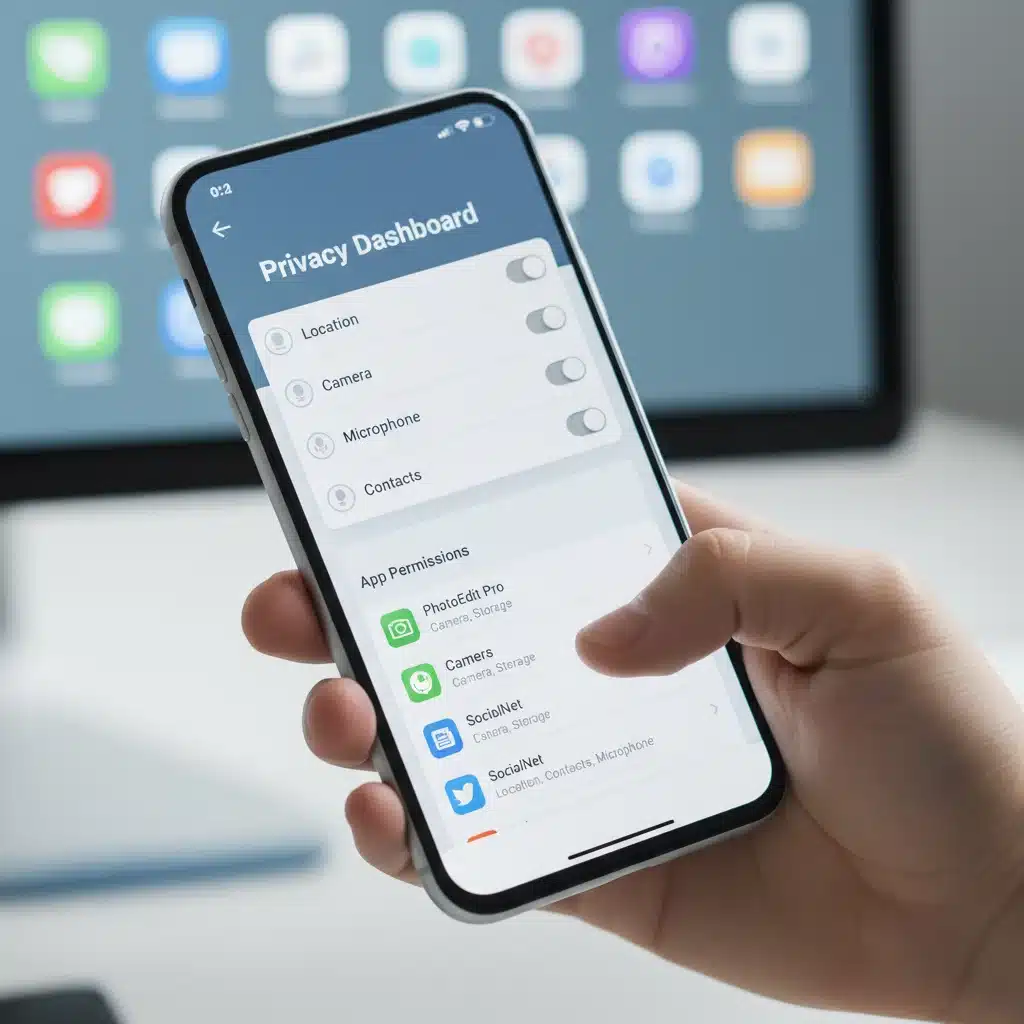
Step 2: Review App Permissions Systematically
Both Android and iOS provide tools to manage app permissions. This is the core of your app privacy audit.
For Android Users:
- Go to
Settings > Apps > See all apps(or similar, depending on your Android version). - Tap on each app individually.
- Select
Permissions. - Review each permission granted. Ask yourself: "Does this app truly need this permission to function?"
- Deny any unnecessary permissions. Pay special attention to Location, Contacts, Microphone, and Camera.
- Alternatively, you can go to
Settings > Privacy > Permission managerto see which apps have access to specific data types (e.g., all apps with Location access). This can be a more efficient way to conduct your app privacy audit.
For iOS Users:
- Go to
Settings > Privacy & Security. - Here, you’ll find a list of data categories (e.g., Location Services, Contacts, Photos, Microphone, Camera, etc.).
- Tap on each category to see which apps have requested access.
- Review each app’s access and toggle off any unnecessary permissions.
- You can also go to
Settings > [App Name]to manage individual app permissions directly.
Step 3: Check App Privacy Policies (The Fine Print)
While often lengthy and complex, privacy policies contain crucial information about how an app collects, uses, and shares your data. Look for key sections on data retention, third-party sharing, and your rights as a user. Tools like Terms of Service; Didn’t Read can help simplify these documents.
Phase 2: Implementing Strategic Reductions (The "Action" Phase)
Now that you’ve identified the issues, it’s time to take proactive steps to reduce your data exposure significantly. This phase is crucial for achieving our 40% reduction target through a focused app privacy audit.
Strategy 1: Embrace "Just-in-Time" Permissions
Instead of granting permissions permanently, opt for "Ask Next Time" or "While Using the App" options whenever available. This forces apps to request access each time they need it, making you more aware of their data demands and preventing background data collection.
Strategy 2: Limit Ad Tracking and Personalization
Both iOS and Android offer settings to limit ad tracking. While this won’t stop data collection entirely, it makes it harder for advertisers to build a precise profile of you.
- iOS:
Settings > Privacy & Security > Tracking. Disable "Allow Apps to Request to Track." - Android:
Settings > Google > Ads > Delete Advertising ID.
Strategy 3: Use Privacy-Focused Alternatives
For common app categories, there are often privacy-respecting alternatives that collect less data or use end-to-end encryption. Consider switching from mainstream options to:
- Browsers: Brave, Firefox Focus, DuckDuckGo Browser
- Messaging: Signal, Threema
- Search Engines: DuckDuckGo, Startpage
- Email: ProtonMail, Tutanota
Making these switches can drastically cut down on your data exposure, forming a vital part of your ongoing app privacy audit.
Strategy 4: Utilize App Sandboxing Features
Some operating systems or third-party tools offer app sandboxing, which isolates apps from each other and from critical system resources. This limits what an app can access even if it has been granted broad permissions. While not always user-friendly for the average person, it’s an advanced step for those deeply concerned about privacy.
Strategy 5: Regularly Review Connected Accounts and Third-Party Access
Many apps allow you to sign in using your Google, Facebook, or Apple accounts. While convenient, this often grants the app access to data from those platforms. Regularly review and revoke access for apps you no longer use or trust.
- Google: Visit My Account > Security > Third-party apps with account access.
- Facebook: Go to
Settings & Privacy > Settings > Apps and Websites. - Apple:
Settings > [Your Name] > Password & Security > Apps Using Apple ID.
This is a critical, often overlooked, component of a thorough app privacy audit.
Phase 3: Ongoing Vigilance (The "Maintenance" Phase)
Data privacy isn’t a one-time setup; it’s an ongoing commitment. To maintain and further reduce your data exposure, consistent vigilance is required.
Tip 1: Practice the Principle of Least Privilege
Only grant an app the absolute minimum permissions it needs to function. If an app requests access to your photos, but its primary purpose is a weather forecast, deny it. Always assume apps will abuse permissions if given the chance.
Tip 2: Read App Reviews and Research Developers
Before downloading a new app, check its reviews, especially those mentioning privacy concerns. Research the developer – are they reputable? Do they have a clear privacy policy? A quick search can reveal a lot about their data practices.
Tip 3: Keep Your Operating System and Apps Updated
Updates often include security patches that address vulnerabilities that could be exploited by malicious apps or actors. Keeping your software current is a fundamental aspect of digital security and privacy.
Tip 4: Use a VPN (Virtual Private Network)
A VPN encrypts your internet traffic and masks your IP address, making it harder for apps (and other entities) to track your online activity across different networks. While it doesn’t prevent apps from collecting data within themselves, it adds a layer of privacy to your overall internet usage.
Tip 5: Be Wary of "Free" Apps
If an app is free, you are often the product. "Free" apps frequently rely on data collection and advertising for revenue. Consider whether the convenience of a free app outweighs the potential privacy costs. Sometimes, paying a small fee for a privacy-focused app is a worthwhile investment.
Tip 6: Regularly Re-evaluate Your Digital Footprint
Make it a habit to perform a mini app privacy audit every few months. New apps are installed, old ones accumulate data, and privacy settings can sometimes reset with updates. Staying on top of these changes is key to long-term data exposure reduction.
Measuring Your Data Exposure Reduction by 40% in 2026
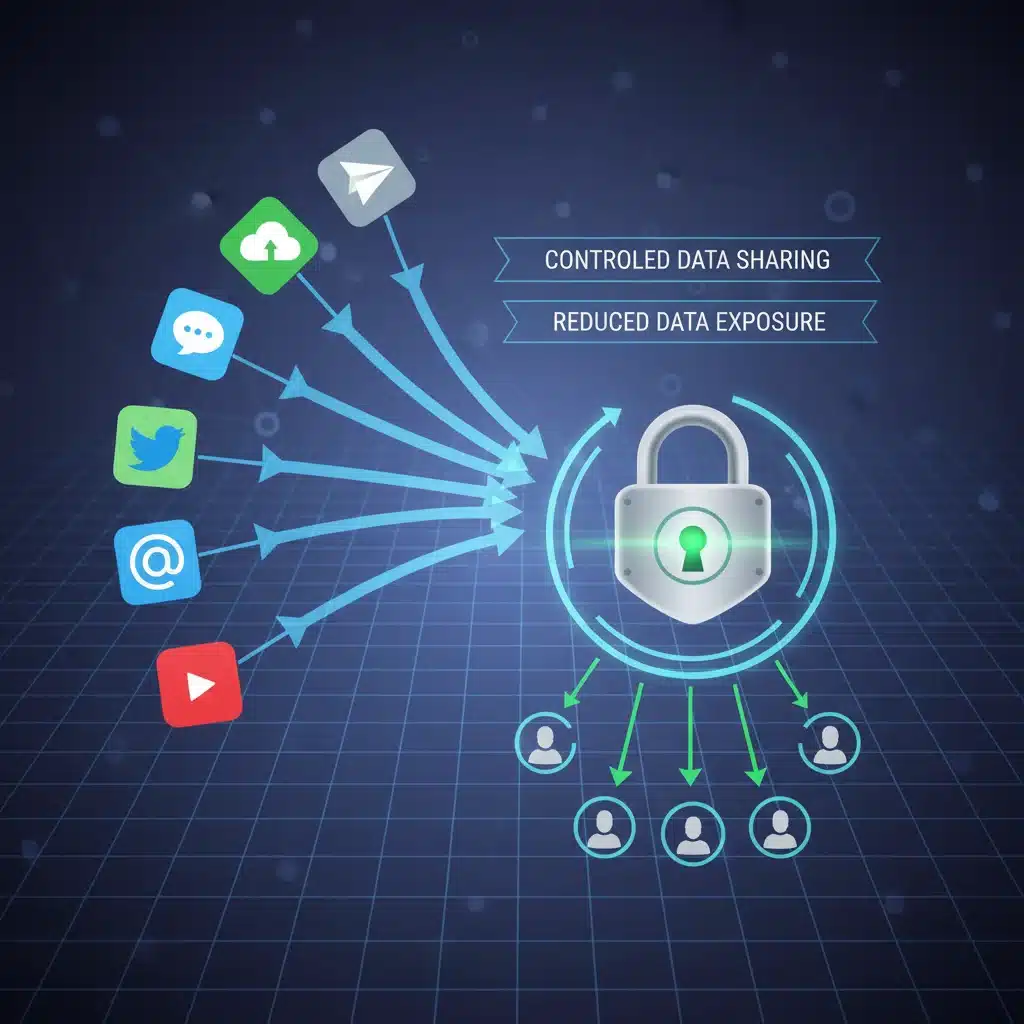
Achieving a 40% reduction in data exposure by 2026 is an ambitious but attainable goal. While there’s no single metric to perfectly quantify "data exposure," we can track progress through several indicators:
- Number of Apps with Unnecessary Permissions: Aim to reduce this to near zero.
- Frequency of Location/Microphone/Camera Access: Monitor your device’s privacy dashboard to see which apps are accessing these sensitive features and how often. A significant reduction indicates progress.
- Number of Third-Party App Connections: Regularly prune connections to services like Google or Facebook.
- Use of Privacy-Focused Alternatives: The more you switch, the less data is collected by mainstream data-hungry services.
- Reduced Targeted Ads: While not a perfect indicator, a noticeable decrease in hyper-targeted ads suggests your tracking profile is becoming less precise.
By consistently applying the strategies outlined in this app privacy audit, you’ll not only gain a clearer understanding of your digital landscape but also actively shrink your data footprint, moving closer to that 40% reduction target.
The Future of App Privacy: Trends and Regulations
The landscape of app privacy is constantly evolving. Governments worldwide are implementing stricter data protection regulations, such as GDPR in Europe and CCPA in California. These regulations empower users with more control over their data and impose obligations on companies.
Furthermore, tech giants are responding to consumer demand for greater privacy. Apple’s App Tracking Transparency (ATT) framework, for instance, requires apps to explicitly ask users for permission to track their activity across other apps and websites. While not perfect, these developments signify a shift towards a more privacy-conscious digital ecosystem.
Staying informed about these trends and advocating for stronger privacy protections are also crucial aspects of maintaining your digital autonomy. Your personal app privacy audit contributes to this larger movement towards a more secure and private online experience for everyone.
Conclusion: Reclaiming Your Digital Privacy
The journey to reclaim your digital privacy is ongoing, but immensely rewarding. By diligently performing an app privacy audit, understanding the nuances of app permissions, and adopting privacy-enhancing strategies, you can significantly reduce your data exposure and take back control of your personal information. Our goal of a 40% reduction by 2026 is an achievable milestone that will not only protect you from potential risks but also foster a greater sense of security and peace of mind in your digital life. Start your audit today and embark on a path to a more private and secure future.