Evaluating 5 Top Photo Editing Apps: Which Delivers the Best Professional Results for 2026?
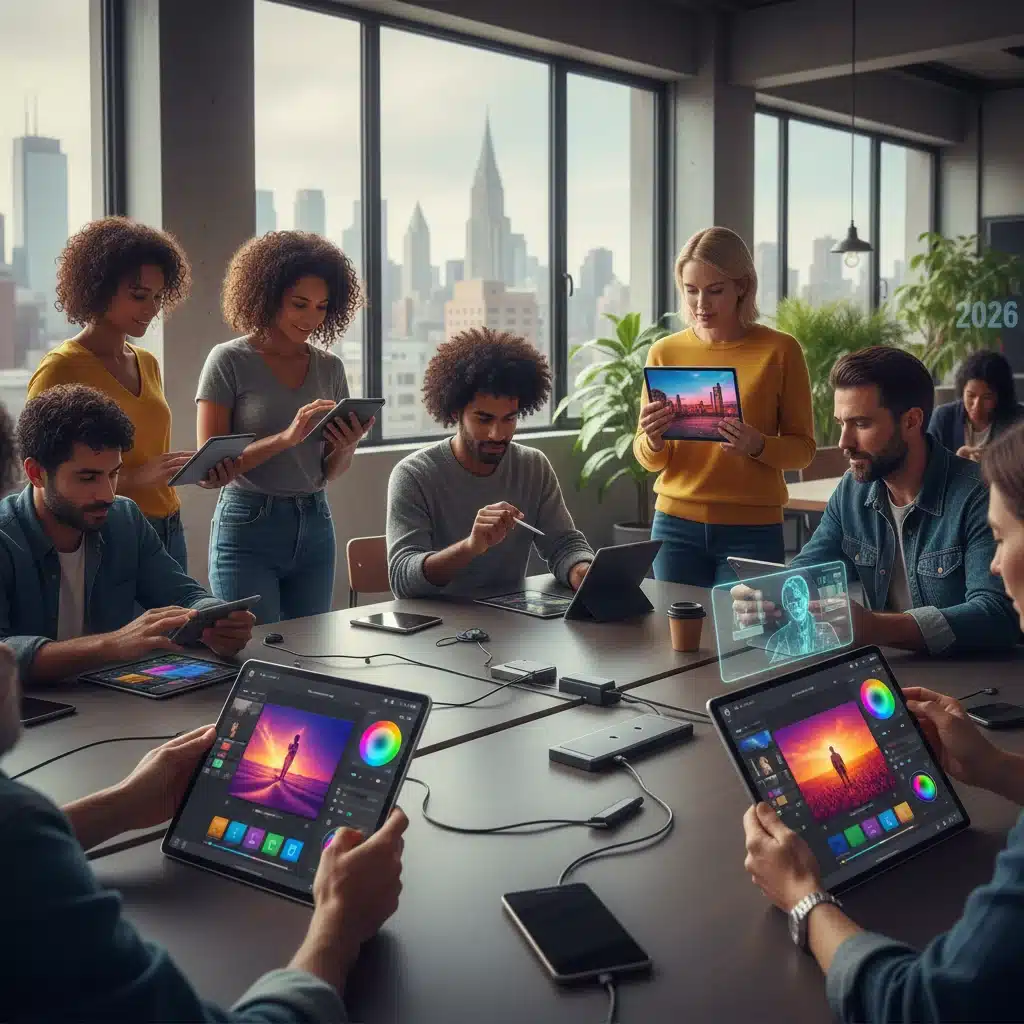
In the rapidly evolving world of digital photography, the line between amateur and professional results often blurs, thanks in no part to the incredible advancements in mobile and desktop photo editing applications. As we step into 2026, the demand for sophisticated, yet user-friendly, tools to refine and perfect images has never been higher. Whether you’re a seasoned professional looking for on-the-go solutions or an enthusiastic amateur aiming to elevate your craft, choosing the best photo editing apps is paramount.
This comprehensive guide dives deep into five of the leading photo editing applications poised to dominate the market in 2026. We will meticulously evaluate their features, user interfaces, pricing models, and overall capability to deliver professional-grade results. Our goal is to equip you with the knowledge needed to make an informed decision, ensuring your photographs stand out with unparalleled clarity, color, and composition.
The Evolution of Photo Editing: From Desktop to Mobile Powerhouses
Gone are the days when high-end photo editing was exclusively confined to powerful desktop computers running complex software. The advent of faster processors, more memory, and advanced display technologies in smartphones and tablets has revolutionized the industry. Today, many mobile devices boast capabilities that rival, and in some cases surpass, older desktop systems. This shift has democratized professional-level editing, making it accessible to a wider audience. The best photo editing apps now integrate AI-powered enhancements, cloud synchronization, and intuitive touch-based controls, transforming how photographers work.
The market is saturated with options, from free basic editors to subscription-based powerhouses. For professionals, the key lies in finding an app that offers a robust feature set, precise control, efficient workflows, and seamless integration with other tools. Our focus for 2026 is on applications that not only provide these functionalities but also innovate with new technologies, such as advanced AI for object recognition, automated corrections, and sophisticated generative fill capabilities.
Criteria for Evaluating the Best Photo Editing Apps for Professionals
To ensure a fair and thorough assessment, we’ve established a set of critical criteria. These benchmarks will help us determine which apps truly stand out in delivering professional results:
- Feature Set & Tools: Does the app offer a comprehensive array of editing tools, including advanced color correction, selective adjustments, masking, layering, healing brushes, and RAW file support?
- User Interface (UI) & Usability: Is the interface intuitive, efficient, and easy to navigate? Can professionals quickly access and apply complex edits without getting bogged down by clunky menus?
- Performance & Speed: How well does the app perform on various devices? Is it fast and responsive, especially when dealing with high-resolution images or complex edits?
- Professional Output Quality: Can the app produce images suitable for print, web, and client delivery without loss of quality or fidelity? Does it support high bit-depth exports?
- Integration & Workflow: Does it integrate well with other photography tools or cloud storage? Does it offer batch processing or presets for efficient workflows?
- Pricing & Value: Is the pricing model (one-time purchase, subscription, freemium) justifiable for the features offered, especially for professional use?
- Innovation & Future-Proofing: How often is the app updated? Does it incorporate new technologies like AI and machine learning to enhance its capabilities?
Keeping these criteria in mind, let’s delve into our top five contenders for the best photo editing apps in 2026.
1. Adobe Lightroom Mobile & Desktop (Creative Cloud)
Overview:
Adobe Lightroom continues to be the industry standard for photo organization and non-destructive editing. Available as both a powerful desktop application and a highly capable mobile app, its ecosystem is unparalleled. For 2026, Lightroom has further refined its AI-driven features, offering more precise masking tools and enhanced cloud synchronization, making it a strong contender for the best photo editing apps title.
Key Features for Professionals:
- Comprehensive RAW Support: Handles virtually all RAW file formats from major camera manufacturers, preserving maximum image data.
- Non-Destructive Editing: All edits are stored separately, meaning your original image files remain untouched.
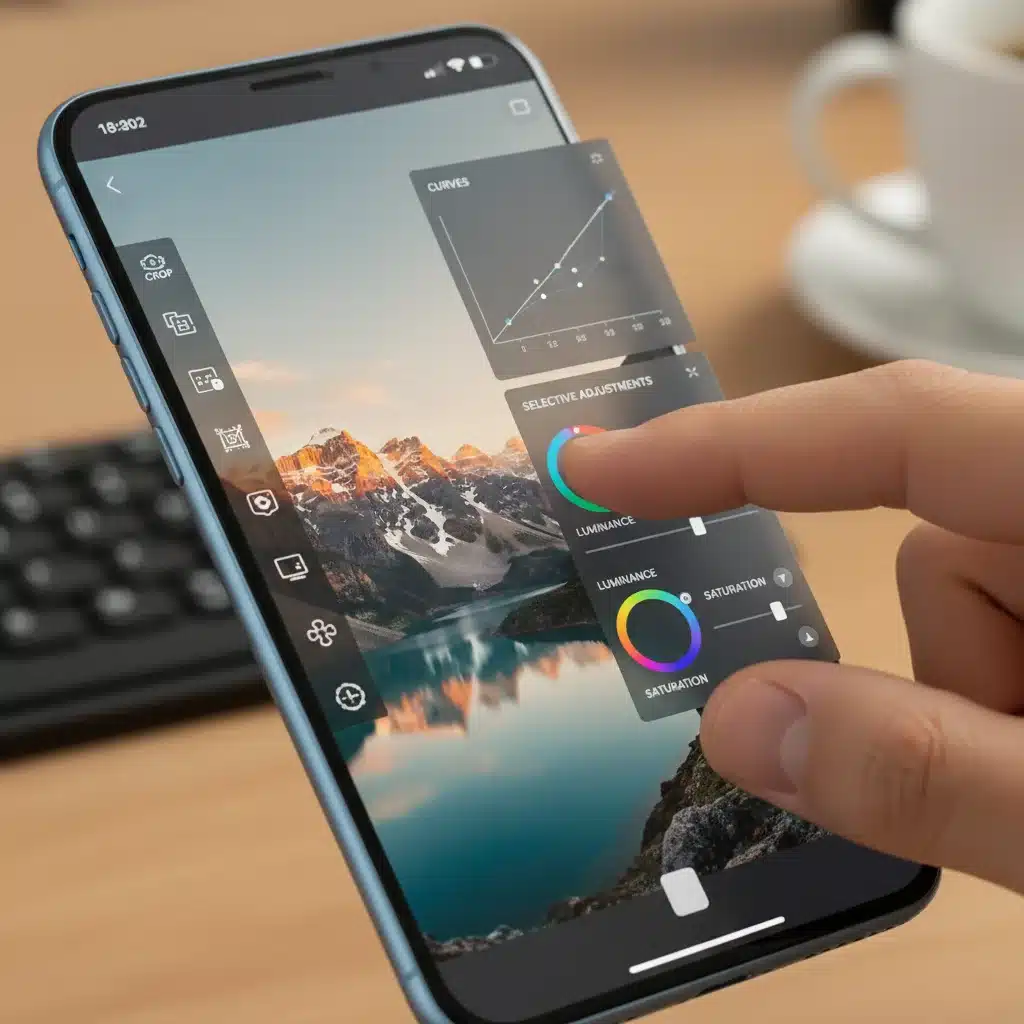
- Advanced Color Grading: Intuitive controls for white balance, tone curves, HSL (Hue, Saturation, Luminance), and color grading panels.
- AI-Powered Masking: Automatically select subjects, skies, and backgrounds with incredible accuracy, allowing for precise local adjustments.
- Cloud Synchronization: Seamlessly syncs edits, metadata, and collections across all devices (desktop, mobile, web), enabling true cross-platform workflow.
- Organizational Tools: Robust cataloging, keyword tagging, facial recognition, and smart collections for efficient asset management.
- Presets & Profiles: Extensive library of presets and custom profiles to speed up editing and maintain consistent styles.
- Healing & Cloning: Effective spot removal and object cloning tools to clean up images.
Pros:
- Industry-leading RAW processing and non-destructive workflow.
- Powerful AI-masking tools save significant time.
- Seamless multi-device synchronization is a game-changer for professionals.
- Extensive community support and learning resources.
- Regular updates with new features and performance improvements.
Cons:
- Subscription-based model can be a barrier for some.
- Can be resource-intensive on older mobile devices or less powerful computers.
- Lacks pixel-level manipulation tools found in Photoshop (though it integrates with Photoshop).
Ideal For:
Photographers who need a robust, all-in-one solution for managing, editing, and syncing their photo library across multiple devices. Essential for those invested in the Adobe Creative Cloud ecosystem.
2. Affinity Photo 2 (Desktop & iPad)
Overview:
Affinity Photo 2 has rapidly gained traction as a formidable challenger to traditional photo editing software, particularly for its one-time purchase model. For 2026, its second iteration offers a redesigned UI, improved performance, and enhanced features across both desktop and iPad, making it one of the best photo editing apps for those seeking a powerful alternative without a subscription.
Key Features for Professionals:
- Pixel-Perfect Editing: Offers a full suite of raster editing tools, including advanced retouching, frequency separation, and liquefy persona.
- RAW Development Persona: Dedicated workspace for non-destructive RAW processing with extensive controls.
- Live Filter Layers: Apply filters non-destructively, with real-time previews and adjustable parameters.
- Unlimited Layers & Masks: Full support for complex layered compositions, masks, and blend modes.
- HDR Merging & Focus Stacking: Professional tools for creating high dynamic range images and sharp focus-stacked composites.
- 32-bit Editing: Supports 32-bit per channel editing for maximum color depth and detail.
- Cross-Platform File Format: Native file format is compatible across Windows, macOS, and iPad versions.
Pros:
- One-time purchase; no subscription required.
- Extremely powerful pixel-level editing capabilities, often compared to Photoshop.
- Excellent performance, even with large files.
- iPad version is remarkably feature-rich and intuitive with touch and Apple Pencil.
- Seamless integration between desktop and iPad versions.
Cons:
- Steeper learning curve than some other apps due to its depth.
- Lacks a dedicated photo cataloging system like Lightroom.
- Fewer third-party plugin integrations compared to Adobe.
Ideal For:
Photographers and graphic designers who require pixel-level control and extensive creative manipulation without committing to a subscription. Particularly strong for those who also work on an iPad.
3. Capture One Pro (Desktop & iPad/iPhone)
Overview:
Favored by many studio and commercial photographers, Capture One Pro is renowned for its superior RAW image processing and tethering capabilities. In 2026, it continues to refine its color science and introduces more flexible licensing options, solidifying its position among the best photo editing apps for high-end professional workflows.
Key Features for Professionals:
- Unrivaled RAW Processing: Often lauded for its exceptional color rendition and detail preservation from RAW files, especially for specific camera brands.
- Advanced Color Editor: Extremely precise control over hue, saturation, and lightness for specific color ranges, including skin tones.
- Layers & Masks: Sophisticated local adjustments with layers and luminosity masks for targeted editing.
- Tethered Capture: Industry-leading tethering capabilities for studio photographers, allowing real-time viewing and adjustment of images as they are shot.
- Customizable Interface: Highly customizable workspace to suit individual preferences and workflows.
- Styles & Presets: Powerful styling options for consistent looks and efficient batch processing.
- Catalogs & Sessions: Flexible organizational structure, ideal for both long-term projects (catalogs) and short-term shoots (sessions).
Pros:
- Exceptional image quality and color management, particularly with RAW files.
- Best-in-class tethered shooting.
- Highly customizable interface.
- Robust layer-based editing for precise control.
Cons:
- Higher price point (subscription or perpetual license).
- Steeper learning curve than Lightroom for some users.
- Mobile app (Capture One for iPad/iPhone) is less feature-rich than the desktop version, primarily for on-the-go culling and basic edits.
Ideal For:
Studio photographers, commercial photographers, and anyone who prioritizes the absolute highest quality RAW processing, precise color control, and superior tethered shooting experience.
4. DxO PhotoLab (Desktop)
Overview:
DxO PhotoLab stands out with its unparalleled optical corrections and noise reduction technology. For 2026, it continues to leverage its deep understanding of camera and lens characteristics to deliver pristine image quality, making it a top choice among the best photo editing apps for purists and those who demand technical perfection.
Key Features for Professionals:
- DeepPRIME/DeepPRIME XD Noise Reduction: Industry-leading AI-powered noise reduction that can salvage even extremely high ISO images with remarkable detail.
- Optical Corrections: Automatically corrects lens defects (sharpness, distortion, chromatic aberration, vignetting) based on DxO’s extensive lab-tested camera and lens profiles.
- U Point Technology: Local adjustment tools that allow for precise, context-aware adjustments by selecting areas based on color and luminosity.
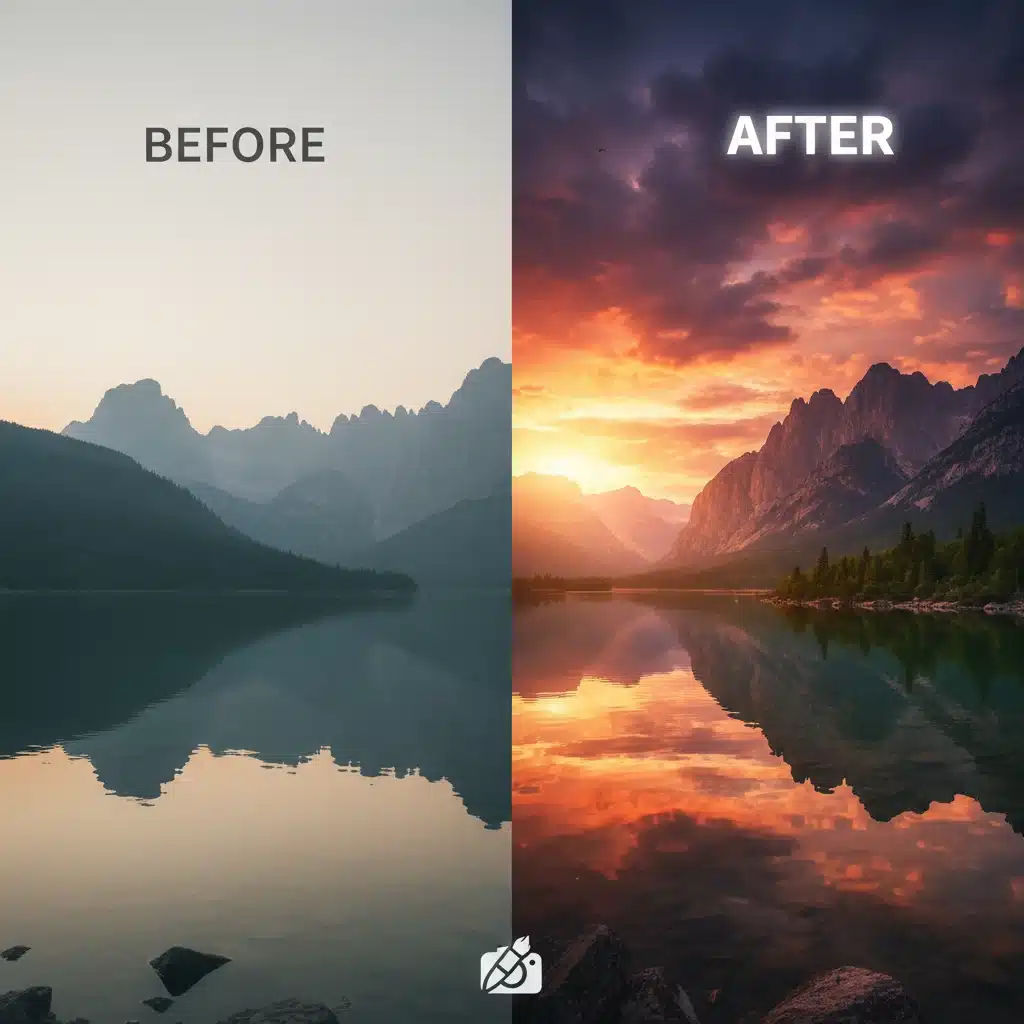
- ClearView Plus: Enhances local contrast and removes atmospheric haze for stunning clarity.
- RAW Processing: Excellent RAW conversion with a focus on preserving detail and dynamic range.
- PhotoLibrary: Basic but effective organizational tools for managing images.
Pros:
- Unmatched image quality from RAW files, especially concerning noise and optical corrections.
- DeepPRIME XD is a game-changer for high ISO photography.
- U Point technology offers incredibly intuitive and powerful local adjustments.
- One-time purchase for perpetual license (though upgrades are paid).
Cons:
- Lacks advanced layering and compositing tools found in pixel editors.
- No mobile version, strictly a desktop application.
- Organizational features are less comprehensive than Lightroom or Capture One.
- Can be resource-intensive, especially with DeepPRIME processing.
Ideal For:
Photographers who prioritize technical image quality, especially those shooting in challenging light conditions or with specific lenses. Excellent for landscapes, astrophotography, and documentary work where noise and optical imperfections are critical concerns.
5. Darktable (Desktop – Open Source)
Overview:
For those seeking a powerful, free, and open-source alternative, Darktable has matured significantly by 2026. It offers a non-destructive workflow with professional-grade tools, making it a surprisingly strong contender among the best photo editing apps, especially for budget-conscious professionals or Linux users.
Key Features for Professionals:
- Non-Destructive RAW Editor: Full-featured RAW processing with a modular, customizable interface.
- Extensive Module System: Offers a vast array of modules for color correction, tone mapping, effects, and retouching.
- Advanced Masking: Supports drawn masks, parametric masks (based on color, luminosity, etc.), and even combination masks.
- Color Management: Robust color management with ICC profile support.
- Tethered Shooting: Basic tethering functionality for studio work.
- Lighttable Module: For image organization, culling, and metadata management.
- Open Source: Continuously developed and improved by a community of dedicated users and developers.
Pros:
- Completely free and open source.
- Powerful, professional-grade RAW editing capabilities.
- Highly customizable interface and workflow.
- Strong community support and active development.
- Available on Linux, Windows, and macOS.
Cons:
- Steepest learning curve among the apps reviewed.
- User interface can be intimidating for newcomers.
- Performance can vary depending on system specifications.
- Lacks official customer support, relying on community forums.
- No official mobile app.
Ideal For:
Professionals looking for a free, powerful, and highly customizable RAW editor who are comfortable with a steeper learning curve and desire full control over their workflow. Great for those who value open-source software and community-driven development.
Honorable Mentions & Emerging Trends in 2026
While the above five represent the pinnacle of professional photo editing in 2026, several other applications deserve recognition, and certain trends are shaping the future of the industry:
- Luminar Neo: Known for its innovative AI-powered tools like Sky AI, Structure AI, and Relight AI. Luminar Neo is excellent for creative enhancements and often speeds up complex edits, making it a strong contender for specific professional niches.
- PicsArt & VSCO: While often considered more consumer-oriented, these apps continue to evolve, offering surprising depth in their feature sets, particularly for social media professionals and content creators who need quick, stylish edits on mobile.
- Generative AI: The rise of generative AI, similar to features seen in Adobe Photoshop’s Generative Fill, is expected to become more integrated into dedicated photo editing apps. This allows for content creation, object removal, and scene expansion with unprecedented ease, fundamentally changing retouching workflows.
- Cloud-Native Editing: More apps are moving towards cloud-native architectures, allowing for device-agnostic editing and collaborative workflows directly in the browser or via lightweight apps, reducing the reliance on powerful local hardware.
- Enhanced Video-Photo Integration: As content creation blurs the lines between still and motion, expect more photo editing apps to integrate basic video editing capabilities or offer seamless handoffs to video editing counterparts.
Choosing Your Ideal Photo Editing App
The best photo editing apps for you will ultimately depend on your specific needs, workflow, and budget. Here’s a quick summary to help you decide:
- For the Adobe Ecosystem User: Adobe Lightroom (and Photoshop) remains the go-to for its comprehensive feature set, cloud sync, and industry standard status.
- For Subscription-Averse Pixel Pushers: Affinity Photo 2 offers incredible power and a one-time purchase, especially strong for iPad users.
- For RAW Purity & Tethering: Capture One Pro delivers superior RAW processing, color control, and the best tethered shooting experience.
- For Technical Perfection & Noise Reduction: DxO PhotoLab excels in optical corrections and its DeepPRIME noise reduction, ideal for challenging images.
- For Open-Source Enthusiasts & Budget-Conscious Professionals: Darktable provides a free, powerful, and highly customizable RAW editing solution.
Before committing, we highly recommend downloading trials of these applications (where available) and testing them with your own images and workflow. What works for one professional might not suit another, and hands-on experience is invaluable.
Conclusion: The Future of Professional Photo Editing is Bright
As we navigate 2026, the landscape of photo editing is more vibrant and diverse than ever. The competition among the best photo editing apps is driving innovation, making powerful tools more accessible and efficient. From AI-driven enhancements that automate tedious tasks to precise manual controls that allow for artistic mastery, photographers have an unprecedented array of options to bring their visions to life.
Investing in the right photo editing app is an investment in your craft. By carefully considering your needs, exploring the features highlighted in this guide, and testing out the options, you can ensure that you’re equipped with the best tools to produce stunning, professional-quality images for years to come. The future of photography is here, and these apps are at its forefront.