Achieve Inbox Zero: Master Email Productivity by 2026
Achieve Inbox Zero: A Step-by-Step Guide to Mastering Email Productivity with New Features by 2026
In the relentless current of digital communication, the email inbox often feels less like a tool for connection and more like a bottomless pit of tasks, notifications, and distractions. The dream of ‘Inbox Zero’ – a state where your inbox is empty, and every email has been processed – seems perpetually out of reach for many. However, with the rapid evolution of technology and the introduction of advanced Email Productivity Features, achieving and maintaining Inbox Zero by 2026 is not just a pipe dream; it’s an attainable reality. This comprehensive guide will walk you through the strategies, tools, and mindset shifts required to conquer your inbox, streamline your digital life, and reclaim valuable time.
We are standing on the precipice of a new era in email management. Developers are integrating artificial intelligence, machine learning, and sophisticated automation into email platforms, fundamentally changing how we interact with our messages. These innovations promise to transform the chaotic inbox into a highly organized, efficient, and intelligent workspace. By understanding and leveraging these emerging Email Productivity Features, you can move beyond simply coping with email to truly mastering it.
The ‘Inbox Zero’ Philosophy: More Than Just an Empty Inbox
Before diving into the specifics of new features, it’s crucial to grasp the core philosophy behind Inbox Zero. It’s not about deleting every email or ignoring your responsibilities. Instead, Inbox Zero is a system for processing all incoming emails quickly and efficiently, ensuring that each message is acted upon, filed, or delegated, leaving your inbox clear for new, urgent communications. It’s about reducing cognitive load, minimizing stress, and maximizing focus. An empty inbox signifies that you have processed all pending communications and are ready to tackle your next tasks without the nagging feeling of unaddressed emails.
The benefits extend beyond mere organization. Achieving Inbox Zero can lead to:
- Reduced Stress: A cluttered inbox can be a constant source of anxiety. Clearing it provides a sense of accomplishment and calm.
- Improved Focus: Without a backlog of unread emails, you can concentrate better on your priority tasks.
- Enhanced Responsiveness: Important emails won’t get lost in the shuffle, leading to quicker responses and better communication.
- Increased Productivity: Less time spent managing email means more time for actual work.
- Better Decision-Making: With a clear overview of your commitments, you can make more informed decisions.
The journey to Inbox Zero is ongoing, but with the right tools and techniques, it becomes a sustainable habit. The Email Productivity Features emerging by 2026 are designed to make this journey smoother and more automated than ever before.
Understanding the Landscape of New Email Productivity Features by 2026
The next few years will see a significant shift in email client capabilities. Traditional email platforms are evolving, and new, innovative solutions are constantly emerging. Here’s a breakdown of the key Email Productivity Features you can expect to leverage:
1. AI-Powered Smart Filtering and Prioritization
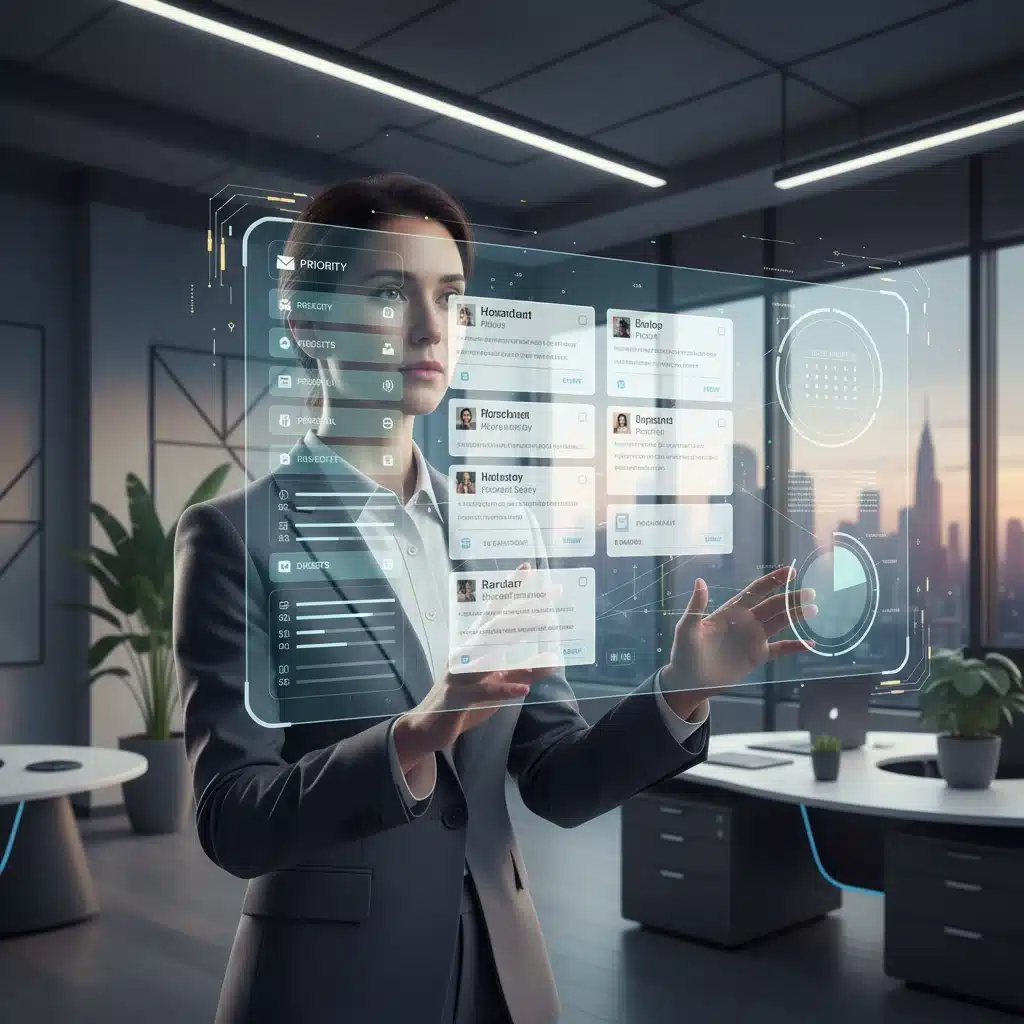
Gone are the days of manually creating complex rules. AI will take the lead in intelligently filtering and prioritizing your emails. Machine learning algorithms will learn from your habits, identifying important senders, project-related communications, and even the sentiment of an email to flag urgent messages. Spam filtering will become almost flawless, and promotional emails will be neatly tucked away without you lifting a finger.
- Predictive Prioritization: AI will anticipate which emails require your immediate attention based on your past interactions, calendar, and ongoing projects.
- Dynamic Categorization: Emails will be automatically sorted into categories like ‘Work,’ ‘Personal,’ ‘Notifications,’ ‘Newsletters,’ and ‘Social,’ making it easier to process them in batches.
- Sentiment Analysis: Some advanced systems will even assess the emotional tone of an email, alerting you to potentially sensitive or critical communications.
2. Advanced Automation and Workflow Integration
Automation is the cornerstone of future email productivity. Instead of just filtering, new features will allow for sophisticated workflows that integrate seamlessly with other productivity tools.
- Automated Responses and Summaries: AI can draft polite, context-aware responses to common queries or provide concise summaries of long email threads, saving significant time.
- Task Creation from Email: Directly convert emails into tasks in your project management or to-do list applications (e.g., Asana, Trello, Todoist) with pre-filled details.
- Calendar Integration & Scheduling: Schedule meetings, block out focus time, or add reminders directly from an email, with AI suggesting optimal times based on your availability and preferences.
- Smart Archiving and Deletion: Based on historical data and your interaction patterns, emails that are no longer relevant (e.g., old notifications, read newsletters) can be automatically archived or deleted after a set period.
3. Enhanced Collaboration and Communication Tools
Email is no longer a standalone communication channel. Future platforms will offer deeper integration with team collaboration tools, reducing the need to switch between applications.
- Threaded Conversations & Chat Integration: Seamlessly transition from an email thread to a chat conversation within the same platform, especially for internal team communications.
- Shared Inboxes & Delegation: Teams can manage shared inboxes more efficiently, assigning emails to specific members, tracking progress, and collaborating on responses.
- Real-time Document Collaboration: Directly edit and collaborate on documents attached to emails without leaving your email client, with changes synced across all platforms.
4. Focus Modes and Notification Management
To combat constant interruptions, email clients will offer more granular control over notifications and dedicated focus environments.
- Customizable Notification Profiles: Set different notification levels for work hours, personal time, or specific projects, ensuring only critical alerts break your concentration.
- ‘Do Not Disturb’ with Smart Exceptions: Activate ‘Do Not Disturb’ mode while allowing urgent emails from specified contacts or keywords to still notify you.
- Batch Processing Prompts: Receive nudges to process emails in batches during designated times, encouraging structured email management rather than constant reactive checking.
Your Step-by-Step Guide to Achieving Inbox Zero with New Email Productivity Features by 2026
Now that we’ve explored the exciting new features, let’s outline a practical, step-by-step approach to achieving and maintaining Inbox Zero. This guide combines timeless productivity principles with the power of emerging technologies.
Phase 1: Preparation and Mindset Shift (Now – Early 2024)
Step 1: Commit to the ‘Inbox Zero’ Philosophy
The first step is mental. Decide that you will actively manage your inbox rather than letting it manage you. Understand that Inbox Zero is a continuous process, not a one-time event. Embrace the idea that every email requires a decision.
Step 2: Declutter Your Current Inbox
Before integrating new features, tackle your existing backlog. This might seem daunting, but it’s a crucial reset. Use the ‘5 D’s’ method:
- Delete: Get rid of anything you don’t need.
- Do: If it takes less than two minutes, do it immediately.
- Delegate: If someone else is better suited, forward it.
- Defer: If it’s a larger task, move it to your task manager and archive the email.
- Divert: Unsubscribe from newsletters you no longer read.
Consider creating a temporary ‘Old Inbox’ or ‘Archive 2023’ folder and moving everything older than a few months there. This gives you a fresh start.
Step 3: Choose Your Email Platform Wisely
As new Email Productivity Features emerge, some platforms will adopt them faster and more comprehensively than others. Research and select an email client that aligns with your needs and is committed to integrating advanced AI and automation. Popular choices like Gmail, Outlook, and specialized apps like Superhuman or Spark are continuously evolving.
Phase 2: Integrating New Features and Building Habits (2024 – 2025)
Step 4: Leverage Smart Filtering and Prioritization
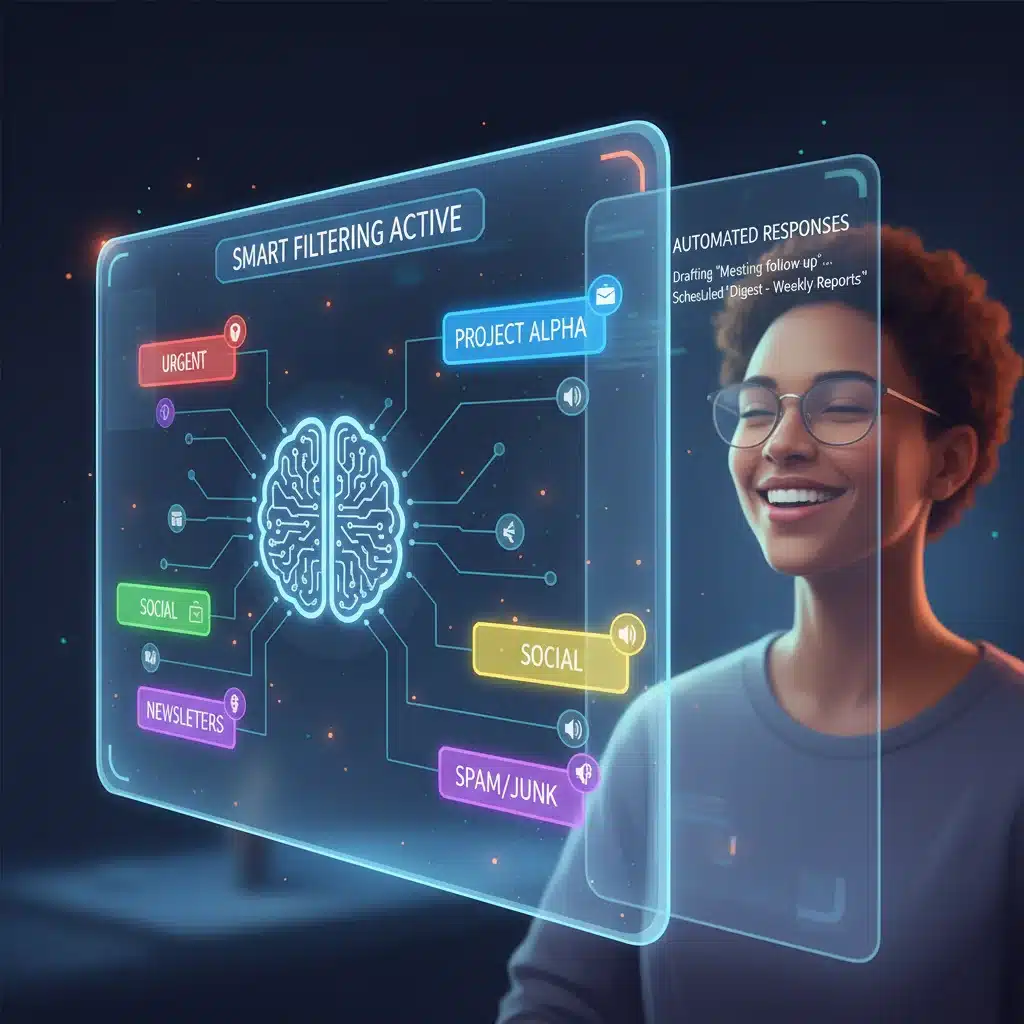
Once available, configure your email client’s AI-powered smart filtering. Spend a week or two ‘training’ the AI by manually correcting any miscategorizations. The more you interact, the better it learns your preferences. Prioritize getting critical emails flagged and less urgent ones moved to dedicated folders.
- Set up ‘VIP’ Senders: Ensure emails from key colleagues, clients, or family members always reach your primary inbox.
- Batch Newsletters: Direct all newsletters and promotional emails to a ‘Read Later’ folder, which you can review at a specific, scheduled time.
- Utilize ‘Focused Inbox’ Features: Many modern clients offer a ‘Focused’ or ‘Priority’ inbox. Enable this and let the AI do the heavy lifting of separating important from ‘Other’ emails.
Step 5: Automate Repetitive Tasks
This is where the real time-saving begins. Explore and set up automation rules based on the new Email Productivity Features:
- Automated Archiving: Create rules to automatically archive emails after a certain action (e.g., after I reply, or after 7 days if marked as ‘read’).
- Task Creation: Integrate your email with your task manager. For emails requiring action, use the ‘send to task manager’ feature, add details, and then archive the email.
- Quick Responses: Utilize AI-suggested quick replies for common questions or acknowledgments. For more complex but repetitive responses, create email templates.
- Meeting Scheduling: Use built-in or integrated scheduling tools that propose meeting times based on calendar availability and send invites automatically.
Step 6: Master Notification Management
Take control of your notifications to minimize distractions. Enable focus modes during work blocks and customize alerts.
- Schedule Email Checks: Instead of constantly checking, dedicate specific times during the day (e.g., 9 AM, 1 PM, 4 PM) to process emails.
- Disable Desktop Notifications: Turn off pop-up alerts for new emails. Rely on scheduled checks or critical alerts only.
- Use ‘Snooze’ Wisely: If an email requires action but not immediately, ‘snooze’ it to reappear when you’re ready to address it, getting it out of your current inbox view.
Phase 3: Sustaining Inbox Zero and Advanced Optimization (2026 and Beyond)
Step 7: Regular Review and Optimization
As new Email Productivity Features continue to evolve, regularly review your email management system. Are your filters still effective? Are there new automation opportunities? Periodically check your archived folders to ensure nothing critical was misfiled.
- Weekly Inbox Review: Dedicate 15-30 minutes each week to review your email system, adjust rules, and clear any lingering items.
- Unsubscribe Relentlessly: If a newsletter or notification no longer serves you, unsubscribe immediately. Use tools that help identify and manage subscriptions.
Step 8: Embrace Integrated Workflows
By 2026, email clients will be deeply integrated with other productivity tools. Leverage this to create a seamless workflow.
- Centralized Communication: For team communication, prioritize collaboration platforms (e.g., Slack, Microsoft Teams) over internal emails, using email primarily for external correspondence.
- Document Management: Use cloud storage integration (e.g., Google Drive, OneDrive) to manage attachments, linking to documents rather than sending large files via email.
Step 9: Practice Digital Minimalism
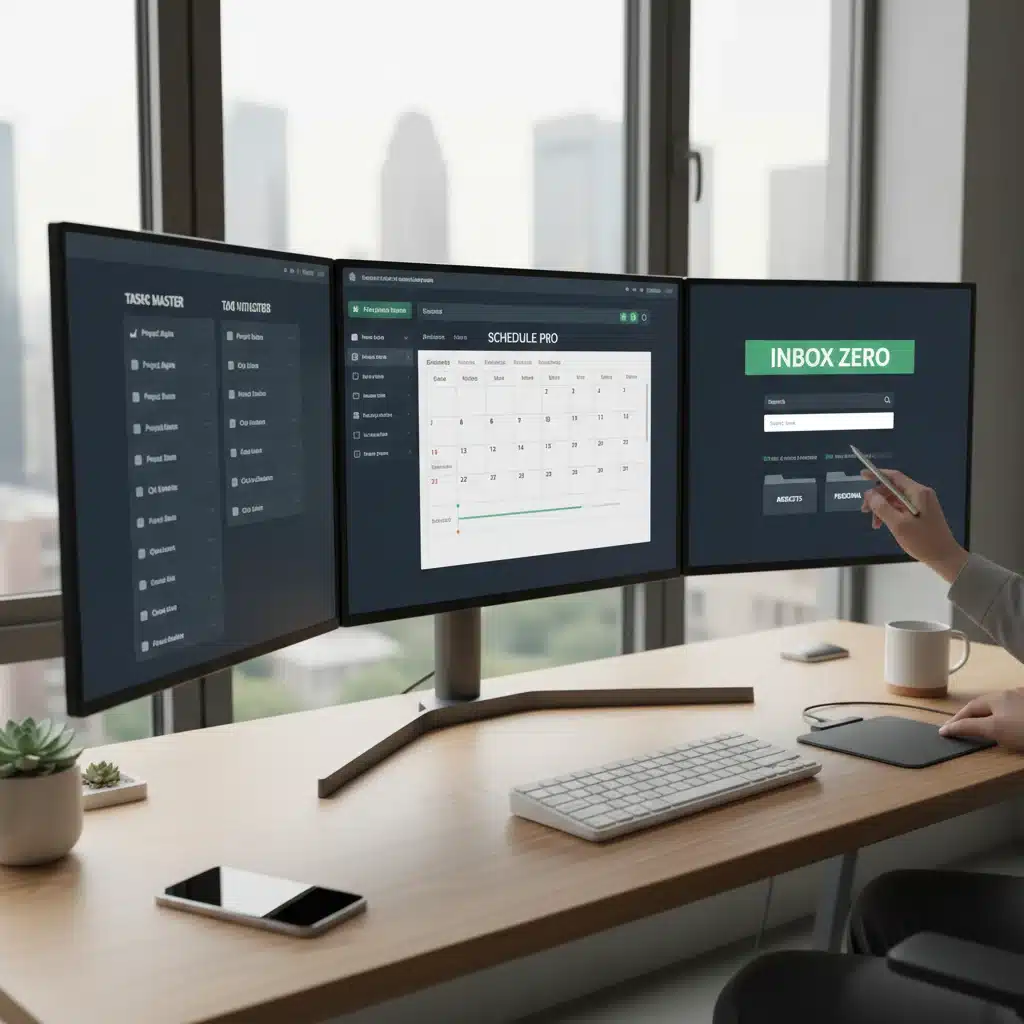
Beyond email, adopt principles of digital minimalism. Reduce digital clutter across all your platforms. A clean digital environment complements an Inbox Zero approach, enhancing overall focus and reducing digital fatigue.
- Clear Desktop: Keep your computer desktop clean and organized.
- Manage Notifications Holistically: Extend your notification management strategies to all apps and devices.
- Regular Digital Declutter: Periodically review and organize files, apps, and digital subscriptions.
Overcoming Common Challenges on the Path to Inbox Zero
While new Email Productivity Features will significantly ease the journey, some challenges might still arise:
- Information Overload: Even with smart filtering, the sheer volume of information can be overwhelming. Focus on processing, not just organizing.
- Fear of Missing Out (FOMO): The anxiety of not seeing every email immediately can be powerful. Trust your filtering system and scheduled checks.
- Resistance to Change: Adopting new habits and technologies takes effort. Start small and build momentum.
- Team Communication Habits: If your team relies heavily on email for internal communication, encourage a shift towards collaborative platforms where possible.
Addressing these challenges requires discipline and a commitment to the new workflow. Remember, the goal is not perfection but sustained efficiency and reduced stress.
The Future of Email: Beyond 2026
As we look beyond 2026, Email Productivity Features will continue to advance. Expect even more personalized AI assistants that can anticipate your needs, proactive scheduling suggestions that integrate with your daily rhythm, and potentially even holographic or augmented reality interfaces for managing your communications. The line between email, messaging, and task management will blur further, creating a truly unified digital workspace.
Voice commands for email management, seamless integration with smart home devices, and even more sophisticated predictive analytics will become commonplace. The emphasis will remain on minimizing human effort and maximizing intelligent automation, allowing us to focus on high-value tasks rather than administrative overhead.
Conclusion: Your Path to Email Mastery Starts Now
Achieving Inbox Zero by 2026 is an ambitious yet entirely achievable goal with the advent of powerful new Email Productivity Features. By understanding the philosophy, embracing emerging technologies, and adopting disciplined habits, you can transform your email experience from a source of dread into a finely tuned instrument of productivity.
Start today by committing to a cleaner inbox, educating yourself on the latest features, and gradually integrating them into your workflow. The future of email is intelligent, automated, and designed to give you back control of your time and attention. Embrace these changes, and you’ll not only achieve Inbox Zero but also unlock a new level of digital efficiency and peace of mind. Your journey to email mastery begins now.