Productivity Power-Ups: 7 New Task Management Apps Reviewed (Recent Updates)
Productivity Power-Ups: Reviewing 7 New Task Management Apps Launched in the Last 3 Months (RECENT UPDATES)
In today’s fast-paced world, staying organized and on top of your tasks is more crucial than ever. The digital landscape for productivity tools is constantly evolving, with new innovations emerging to help individuals and teams streamline their workflows. Over the last three months alone, a wave of exciting new task management apps has hit the market, each promising to revolutionize how we approach our daily responsibilities. This comprehensive review dives deep into seven of these fresh contenders, exploring their unique features, user experience, and potential to become your next go-to productivity powerhouse.
Whether you’re a freelancer juggling multiple clients, a student managing assignments, or part of a large enterprise coordinating complex projects, finding the right task management solution can significantly impact your efficiency and reduce stress. We’ve meticulously evaluated these recent launches to provide you with an insightful overview, helping you make an informed decision about which tool best suits your needs. From AI-powered scheduling to minimalist interfaces, the diversity among these new task management apps is truly impressive.
The Ever-Evolving Landscape of Task Management
The demand for effective task management solutions continues to grow, driven by the increasing complexity of work and personal lives. Traditional methods often fall short, leading to missed deadlines, forgotten tasks, and overall decreased productivity. This is where modern digital tools step in, offering features like cloud synchronization, collaborative workspaces, automation, and intelligent reminders. The recent influx of new task management apps signifies a strong market response to these evolving needs, with developers pushing the boundaries of what these tools can offer.
Before we delve into our reviews, it’s worth noting the common trends we’ve observed among these recent launches. Many prioritize user-friendliness, aiming to reduce the learning curve often associated with powerful software. There’s also a clear emphasis on cross-platform compatibility, ensuring users can manage their tasks seamlessly across desktops, tablets, and smartphones. Furthermore, integration capabilities with other popular tools like calendars, communication platforms, and cloud storage are becoming standard, creating a more cohesive digital ecosystem. These advancements collectively aim to make task management less of a chore and more of an intuitive, integrated part of your daily routine. Understanding these underlying trends helps frame the innovative approaches taken by these new task management apps.
Reviewing the Contenders: 7 New Task Management Apps
Our selection focuses on apps that have either launched entirely or received significant, transformative updates within the last three months, making them genuinely ‘new’ in their current iteration. Each app brings something unique to the table, catering to different user preferences and organizational styles. Let’s explore these exciting additions to the productivity world.
1. TaskFlow AI: Intelligent Prioritization at Your Fingertips
Overview: TaskFlow AI is a groundbreaking application that leverages artificial intelligence to help users prioritize their tasks. Instead of manually sorting through a long list, TaskFlow AI analyzes your deadlines, dependencies, and even your past work patterns to suggest the most impactful tasks to tackle next. It’s designed for individuals and small teams who often feel overwhelmed by the sheer volume of their to-dos.
Key Features:
- AI-Powered Prioritization: Automatically ranks tasks based on urgency and importance.
- Smart Scheduling: Suggests optimal times to work on specific tasks, integrating with your calendar.
- Dependency Mapping: Visualizes task relationships to prevent bottlenecks.
- Natural Language Input: Add tasks by simply typing them out, and the AI interprets details like deadlines and assignees.
- Cross-Platform Sync: Available on web, iOS, and Android.
User Experience: The interface is remarkably clean and intuitive, making the AI’s complex operations feel effortless. Users reported a significant reduction in decision fatigue. The learning curve is minimal, thanks to excellent onboarding tutorials. While the AI is powerful, it also allows for manual overrides, giving users ultimate control. This blend of automation and control makes it one of the most promising new task management apps for intelligent organization.
Pros: Highly effective AI for prioritization, intuitive design, excellent for reducing overwhelm. Its ability to learn from user behavior is a standout feature.
Cons: The free tier is somewhat limited; full AI capabilities require a subscription. Integration options are still expanding.
2. AuraList: The Aesthetic & Collaborative Planner
Overview: AuraList distinguishes itself with a strong emphasis on visual appeal and seamless collaboration. It’s more than just a task list; it’s a digital workspace where aesthetics meet functionality. Targeted at creative professionals, marketing teams, and anyone who appreciates a beautiful interface alongside powerful features, AuraList aims to make task management a more enjoyable experience.
Key Features:
- Customizable Boards & Themes: Personalize your workspace with various layouts, colors, and background images.
- Real-time Collaboration: Shared lists, comments, and activity logs for team projects.
- Integrated Mood Tracking: A unique feature allowing users to log their mood alongside tasks, helping identify productivity patterns.
- Rich Media Attachments: Easily attach images, videos, and documents to tasks.
- Markdown Support: For rich text formatting within task descriptions.
User Experience: AuraList feels like a breath of fresh air. The design is modern, clean, and highly customizable. Collaboration features are robust and easy to use, fostering smooth teamwork. The mood tracking is an innovative touch that some users found surprisingly helpful for self-awareness and optimizing their work schedule. For those who believe a pleasant environment enhances productivity, AuraList stands out among new task management apps.
Pros: Stunning visual design, strong collaboration features, unique mood tracking. The customization options are extensive.
Cons: Can be resource-intensive on older devices. Some advanced project management features found in enterprise tools are absent.
3. FocusFlow: The Deep Work Enabler
Overview: FocusFlow is designed for individuals seeking to achieve ‘deep work’ states by minimizing distractions and maximizing concentration. It combines traditional task management with focus-enhancing techniques, making it ideal for developers, writers, and anyone whose work requires sustained attention. It’s one of the new task management apps that truly understands the challenge of maintaining focus in a noisy digital world.
Key Features:
- Pomodoro Timer Integration: Built-in timer with customizable work/break intervals.
- Distraction Blocker: Temporarily blocks distracting websites and apps during focus sessions.
- Task Batching: Helps group similar tasks to reduce context switching.
- Progress Tracking & Analytics: Visual reports on focus time and task completion.
- Minimalist Interface: Designed to be clutter-free and non-distracting.
User Experience: FocusFlow’s strength lies in its simplicity and purpose-driven design. The distraction blocker is effective, and the Pomodoro timer is seamlessly integrated. Users reported feeling more in control of their attention and experiencing higher quality work output. The analytics provide valuable insights into personal productivity patterns. It’s a powerful tool for cultivating better work habits.
Pros: Excellent for deep work, effective distraction blocking, simple and focused UI. Ideal for users struggling with digital interruptions.
Cons: Lacks advanced team collaboration features. Might be too minimalist for users who prefer extensive task details.
4. Project Canvas: Visual Project Management Simplified
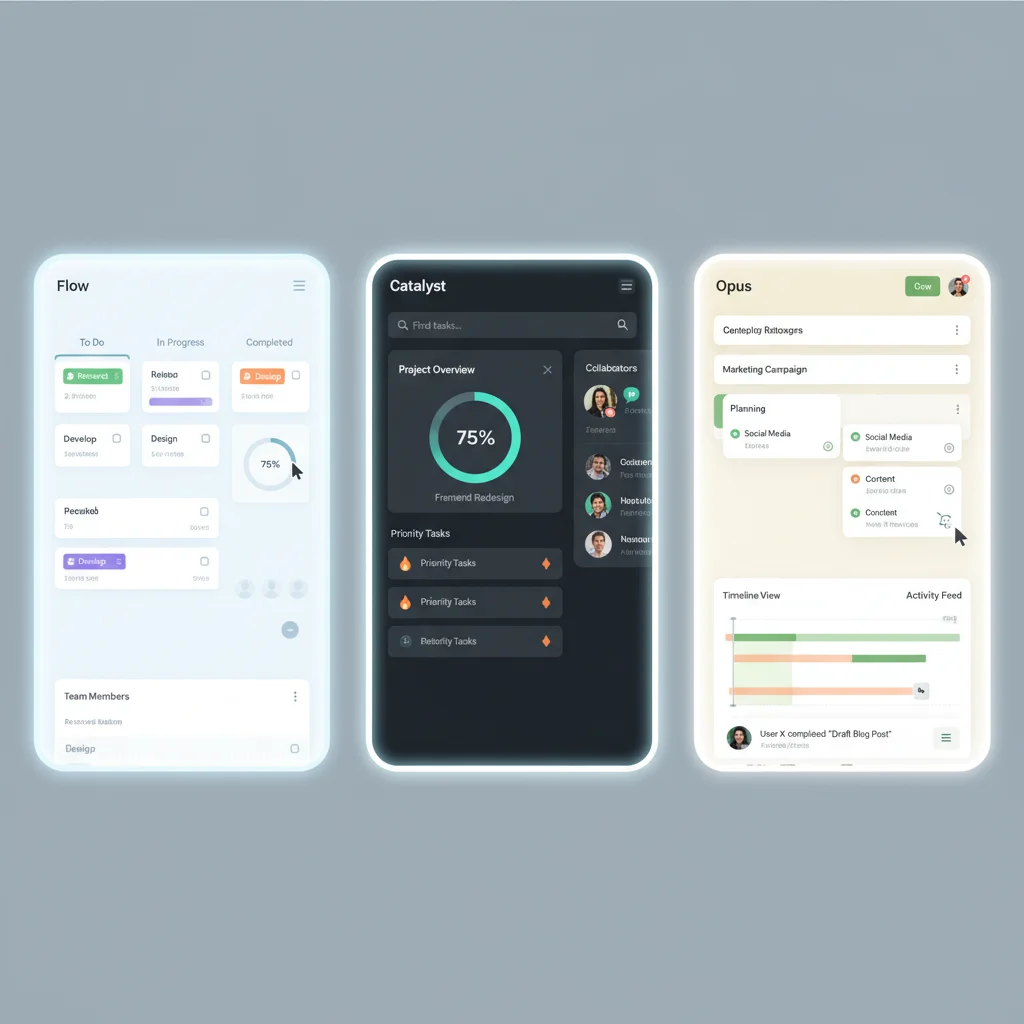
Overview: Project Canvas redefines visual project management by offering an intuitive, drag-and-drop interface that resembles a digital whiteboard. It’s perfect for teams that thrive on visual planning and require a flexible platform to manage complex projects with numerous interconnected tasks. This app stands out among the new task management apps for its commitment to visual clarity and adaptability.
Key Features:
- Infinite Canvas: A free-form workspace where you can place tasks, notes, and files anywhere.
- Kanban, List, and Timeline Views: Switch between different project perspectives effortlessly.
- Integrated Brainstorming Tools: Digital sticky notes, mind maps, and drawing tools.
- Guest Access & Permissions: Invite external collaborators with controlled access.
- Template Library: Pre-built templates for various project types.
User Experience: Project Canvas is a joy to use for visual thinkers. The infinite canvas allows for unparalleled flexibility in organizing ideas and tasks. Teams found the brainstorming tools particularly useful for initial project phases. The ability to switch between different views (Kanban, List, Timeline) without re-entering data is a huge time-saver. It truly empowers creative and agile teams to manage their tasks effectively.
Pros: Highly visual and flexible, excellent for team brainstorming, multiple view options. Great for project managers who prefer a less rigid structure.
Cons: Can be overwhelming for individual task management. Requires some time to master all its visual features.
5. EchoTask: Voice-Powered Productivity
Overview: EchoTask is a revolutionary voice-controlled task management application, designed for users who prefer hands-free interaction or are constantly on the go. It integrates seamlessly with smart assistants and offers robust voice recognition to create, manage, and complete tasks without typing a single word. Among the new task management apps, EchoTask is at the forefront of accessibility and convenience.
Key Features:
- Advanced Voice Recognition: Accurately transcribes spoken tasks, deadlines, and notes.
- Smart Assistant Integration: Works with Siri, Google Assistant, and Alexa.
- Contextual Understanding: Interprets natural language commands (e.g., ‘Remind me to call John tomorrow morning’).
- Audio Notes: Attach voice memos directly to tasks.
- Offline Capability: Add tasks even without an internet connection, which then sync upon reconnection.
User Experience: EchoTask is incredibly convenient for quick task capture. Whether you’re driving, cooking, or simply don’t want to type, its voice interface is responsive and accurate. Users found it particularly useful for brainstorming ideas or jotting down sudden thoughts before they’re forgotten. The integration with existing smart assistants makes it feel like a natural extension of your digital life. It’s a game-changer for hands-free productivity.
Pros: Excellent voice control, highly convenient for mobile use, integrates with popular smart assistants. Enhances accessibility.
Cons: Might struggle with very complex or jargon-filled commands. Privacy concerns around voice data might deter some users.
6. Horizon Tracker: Goal-Oriented Task Management
Overview: Horizon Tracker is built around the philosophy of connecting daily tasks to larger, overarching goals. It encourages users to define their long-term objectives and then break them down into actionable steps, ensuring that every task contributes to a meaningful outcome. This app is perfect for individuals and teams focused on strategic planning and achieving significant milestones. It’s one of the new task management apps that truly helps you see the bigger picture.
Key Features:
- Goal Setting Frameworks: Supports OKRs (Objectives and Key Results), SMART goals, and custom frameworks.
- Goal-Task Linking: Directly link individual tasks to specific goals and objectives.
- Progress Dashboards: Visual tracking of goal attainment and task completion rates.
- Milestone Planning: Break down large goals into manageable milestones.
- Reflection Journals: Integrated space to review progress and adjust strategies.
User Experience: Horizon Tracker provides a refreshing perspective on task management. Users found the goal-linking feature highly motivating, as it clarifies the ‘why’ behind each task. The progress dashboards are visually engaging and provide a clear overview of achievements. It encourages a more thoughtful and strategic approach to productivity, moving beyond just ‘doing’ to ‘achieving’.
Pros: Excellent for strategic planning and goal achievement, highly motivating, clear visual progress tracking. Ideal for long-term visionaries.
Cons: Might be overkill for very simple daily task lists. Requires initial setup time to define goals effectively.
7. SyncSphere: The Ultimate Integrator
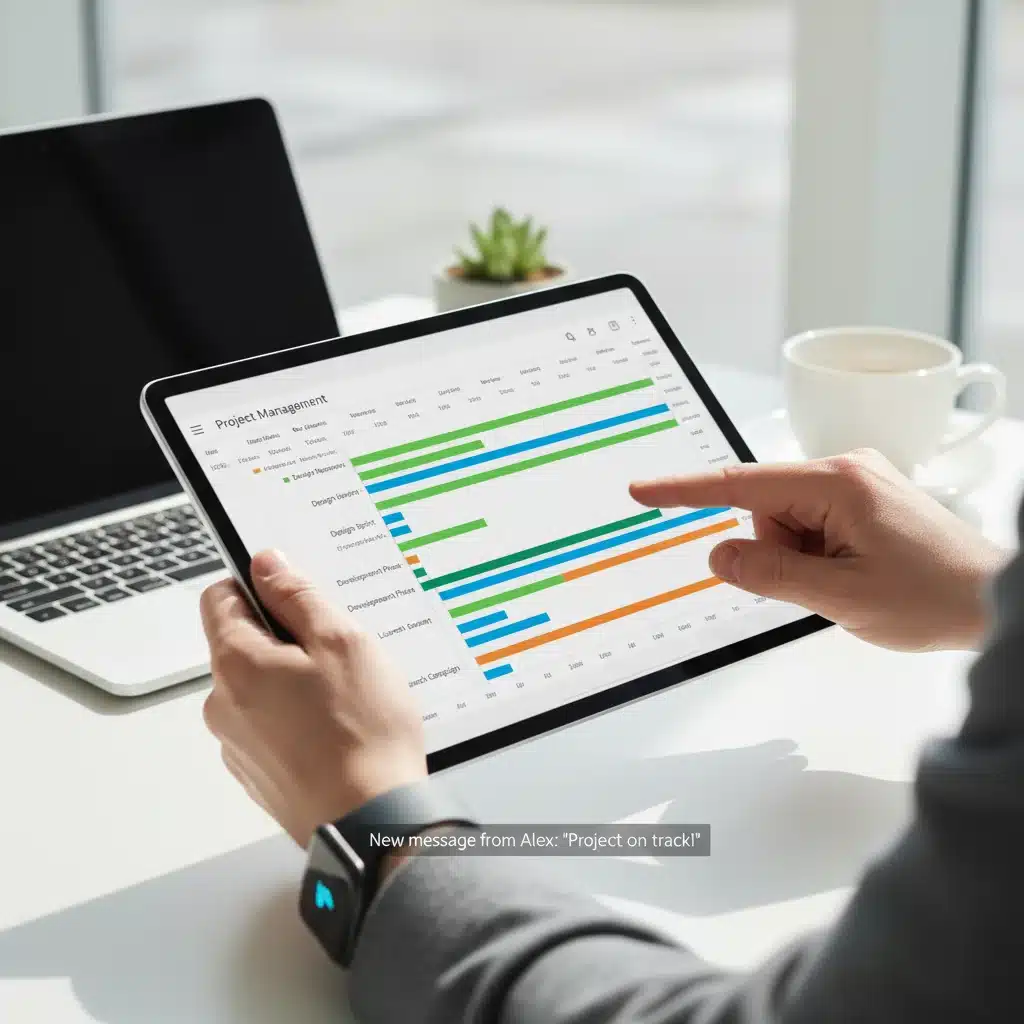
Overview: SyncSphere positions itself as the central hub for all your digital tasks, aiming to integrate with an extensive array of third-party applications. If you use multiple tools for communication, project management, and personal organization, SyncSphere wants to bring all your tasks into one unified inbox. It’s designed for power users and teams who are tired of switching between countless apps to manage their workload. Among the new task management apps, SyncSphere is a standout for its integration prowess.
Key Features:
- Extensive Third-Party Integrations: Connects with over 100 popular apps (e.g., Slack, Gmail, Trello, Asana, Google Calendar, Salesforce).
- Unified Inbox: Consolidates tasks from all connected apps into one view.
- Automated Task Creation: Set up rules to automatically create tasks from emails, messages, or calendar events.
- Smart Notifications: Centralized alerts from all integrated services.
- Customizable Workflows: Build automated sequences between different apps.
User Experience: SyncSphere delivers on its promise of integration. Users praised its ability to reduce context switching and provide a holistic view of their commitments. Setting up integrations is straightforward, and the automation capabilities are powerful for streamlining repetitive tasks. While it has a steeper learning curve than some minimalist apps, the payoff in terms of efficiency is substantial for those with complex digital ecosystems. It truly simplifies the often-fragmented world of digital work.
Pros: Unparalleled integration capabilities, unified task view, powerful automation. Excellent for users with many existing apps.
Cons: Can be complex to set up initially. The free tier offers limited integrations, with full access requiring a premium subscription.
Choosing Your Productivity Partner: What to Consider
With such a diverse range of new task management apps available, selecting the right one can feel daunting. Here are some key factors to consider when making your choice:
- Your Workflow Style: Are you a visual planner (Project Canvas), a deep work enthusiast (FocusFlow), or someone who needs intelligent prioritization (TaskFlow AI)? Your natural working style should guide your decision.
- Team vs. Individual Use: If you work in a team, collaboration features (AuraList, Project Canvas) are crucial. For solo use, personal focus and organization might be higher priorities.
- Integration Needs: Do you rely heavily on other apps? SyncSphere’s extensive integrations might be a game-changer.
- Level of Complexity: Do you prefer a minimalist approach or a feature-rich powerhouse? Some apps offer a gentle learning curve, while others reward those who invest time in mastering them.
- Budget: Most of these apps offer free tiers with limited features, and then scale up to paid subscriptions for full functionality. Evaluate if the features justify the cost.
- Accessibility: If hands-free operation is important, EchoTask offers a unique solution.
- Specific Features: Do you need AI, voice control, goal tracking, or advanced visual planning? Prioritize the features that directly address your biggest pain points.
Remember, the best task management app isn’t necessarily the one with the most features, but the one that seamlessly integrates into your life and helps you achieve your goals more effectively. Don’t be afraid to try out free trials to see how an app ‘feels’ before committing.
The Future of Task Management: Trends to Watch
The rapid development seen in these new task management apps gives us a glimpse into the future of productivity. We can expect even greater integration of artificial intelligence, leading to more personalized and predictive task suggestions. Voice control and natural language processing will likely become standard, making task input more intuitive and accessible across various devices. Furthermore, the convergence of task management with other productivity categories, such as note-taking, project planning, and even mental well-being, will continue to blur lines, creating more holistic digital workspaces.
Emphasis on user well-being, through features like mood tracking (AuraList) and deep work enablers (FocusFlow), suggests a growing recognition that productivity isn’t just about doing more, but about working smarter and healthier. As remote and hybrid work models become more prevalent, the need for robust, flexible, and collaborative task management solutions will only intensify, pushing developers to innovate further.
Conclusion: Empowering Your Productivity with New Tools
The past three months have been a fertile period for innovation in the world of productivity software, bringing forth a compelling array of new task management apps. From the intelligent prioritization of TaskFlow AI to the visual freedom of Project Canvas, and the integrative power of SyncSphere, there’s a fresh solution for almost every need and preference. These tools are designed not just to help you list your tasks, but to genuinely empower you to achieve your goals, enhance your focus, and streamline your collaborative efforts.
We encourage you to explore these exciting new options. Take advantage of free trials, consider your unique workflow, and don’t hesitate to experiment. Finding the right productivity partner can be a transformative experience, leading to reduced stress, increased efficiency, and a greater sense of accomplishment. The future of task management is here, and it’s more intelligent, intuitive, and integrated than ever before. Your next productivity power-up might just be one of these cutting-edge applications.