Mastering Inbox Zero: Essential Email Management Tools for Daily Efficiency

In the digital age, email has become both a blessing and a curse. While it facilitates instant communication and collaboration, an overflowing inbox can quickly become a source of stress, distraction, and lost productivity. The concept of inbox zero tools isn’t just a trendy buzzword; it’s a powerful methodology aimed at helping you clear your email inbox and keep it that way, allowing you to focus on what truly matters. Imagine regaining 30 minutes of your day, every day, simply by mastering your email. This isn’t a pipe dream; it’s an achievable reality with the right strategies and, crucially, the right inbox zero tools.
Many people feel overwhelmed by the sheer volume of emails they receive daily. The constant notifications, the endless scrolling, and the nagging feeling that you’re missing something important can take a significant toll on your mental energy and overall efficiency. This comprehensive guide will delve deep into the world of inbox zero tools, exploring how they can transform your email management habits, reduce stress, and significantly boost your daily productivity. We’ll cover everything from understanding the philosophy behind Inbox Zero to practical tools and techniques that you can implement immediately.
Our goal is to provide you with a roadmap to email mastery, enabling you to spend less time on email and more time on high-value tasks. By the end of this article, you’ll be equipped with the knowledge and resources to not only achieve Inbox Zero but maintain it consistently, turning your email into a powerful communication channel rather than a productivity drain.
The Philosophy of Inbox Zero: More Than Just a Clean Inbox
Before diving into specific inbox zero tools, it’s essential to understand the core philosophy behind Inbox Zero. Coined by productivity expert Merlin Mann, Inbox Zero is not about having zero emails in your inbox at all times, but rather about the amount of time your brain is thinking about email. It’s about processing your inbox to a state where it requires no further attention, allowing you to focus on other tasks guilt-free. This shift in mindset is crucial for long-term email management success.
The core principle is to treat your inbox as a processing center, not a storage facility. When an email arrives, you should make a quick decision about what to do with it. This contrasts sharply with the common habit of letting emails pile up, creating a daunting backlog that constantly demands attention. By adopting the Inbox Zero philosophy, you commit to actively managing your email rather than passively reacting to it.
The benefits extend beyond just a tidy inbox. Adopting Inbox Zero can lead to:
- Reduced Stress: A cluttered inbox can be a constant reminder of unfinished tasks, leading to anxiety and mental fatigue. A clear inbox promotes a sense of calm and control.
- Improved Focus: Without the distraction of new email notifications or the pressure of a growing backlog, you can dedicate your full attention to your current work.
- Increased Productivity: By processing emails efficiently, you free up valuable time that can be reallocated to more impactful activities.
- Better Decision-Making: When your inbox is organized, you can quickly find important information and respond to critical messages without delay.
- Enhanced Communication: A well-managed inbox ensures that important messages aren’t missed, leading to more responsive and effective communication.
Achieving Inbox Zero isn’t a one-time event; it’s a continuous process that requires discipline and the right support. This is where inbox zero tools come into play, providing the functionalities needed to streamline your email workflow and maintain a clean slate.
Core Principles for Effective Email Management
Before we explore specific inbox zero tools, let’s establish some foundational principles that underpin effective email management. These principles, when combined with the right tools, form a robust system for handling your digital correspondence.
1. Process, Don’t Store
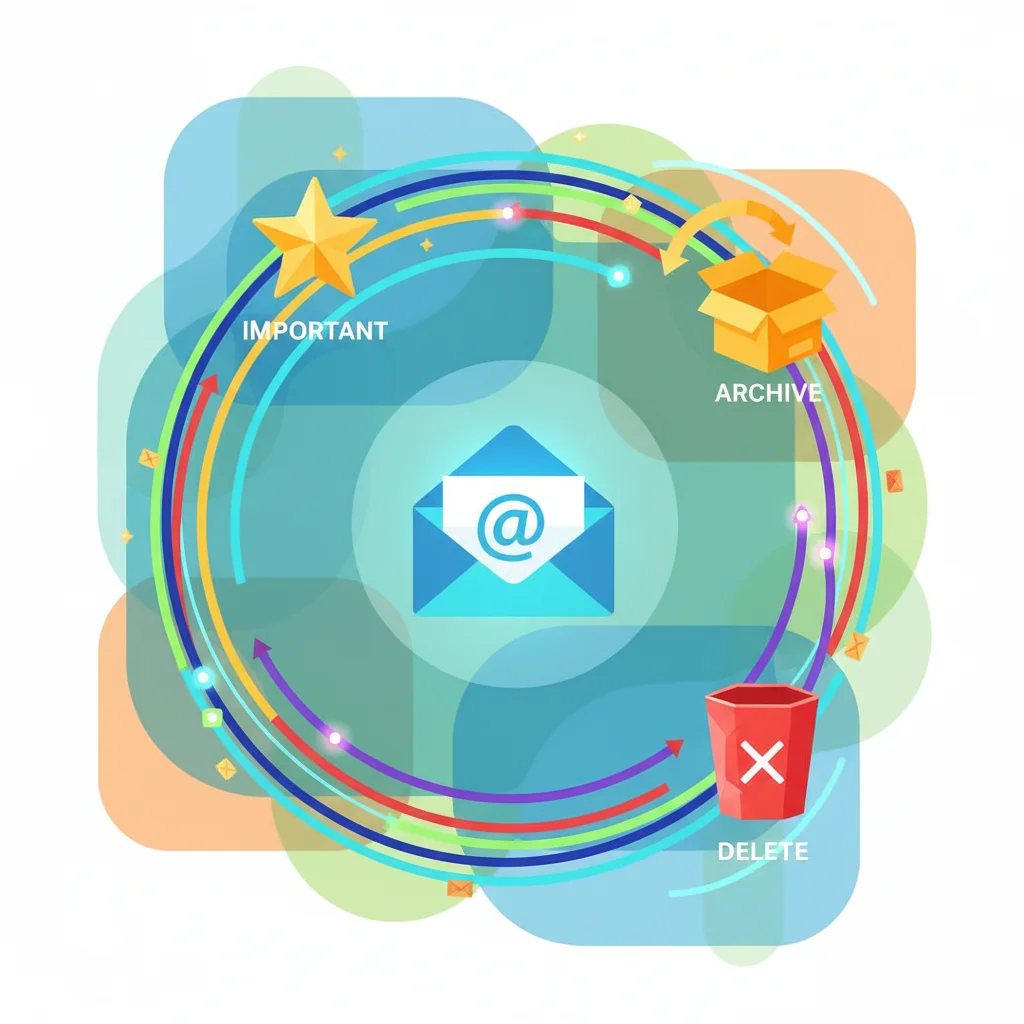
As mentioned, your inbox is a processing center. When an email arrives, apply the ‘4 D’s’ principle:
- Delete: If it’s junk, spam, or no longer relevant, delete it immediately.
- Do: If it takes less than two minutes to respond or act on, do it now.
- Delegate: If it’s something someone else should handle, forward it to them.
- Defer: If it requires more than two minutes, defer it to a later time. Move it out of your inbox into a ‘To Do’ folder or a task management system.
2. Schedule Dedicated Email Time
Resist the urge to check emails constantly throughout the day. Instead, set aside specific blocks of time (e.g., 15-30 minutes, 2-3 times a day) to process your inbox. This minimizes context switching and allows for deeper focus on other tasks. During your non-email times, close your email client or mute notifications to avoid distractions.
3. Unsubscribe Ruthlessly
A significant portion of inbox clutter comes from newsletters, promotional emails, and notifications that you no longer read or find valuable. Make it a habit to unsubscribe from anything that doesn’t add value to your life. Many inbox zero tools offer features to simplify this process.
4. Use Folders and Labels Wisely
While the goal is not to store emails in your inbox, having a well-organized system of folders or labels for archiving processed emails is essential. This allows you to easily retrieve information when needed without cluttering your main inbox. Think about categories like ‘Projects,’ ‘Clients,’ ‘Receipts,’ or ‘Reference.’
5. Automate Repetitive Tasks
Many email clients and inbox zero tools offer automation features. Set up rules to automatically filter certain emails into specific folders, mark them as read, or even delete them. This can significantly reduce the manual effort required to manage your inbox.
Top Inbox Zero Tools and How They Help
Now, let’s explore some of the most effective inbox zero tools available today. These tools offer various features designed to automate, organize, and streamline your email workflow, making the Inbox Zero philosophy a tangible reality.
1. Gmail (with advanced features)
Gmail is a powerful email client that, when used effectively, can be an excellent inbox zero tool. Its built-in features are often overlooked but are incredibly potent.
- Categories/Tabs: Gmail automatically categorizes emails into Primary, Social, Promotions, Updates, and Forums. This is a fantastic starting point for filtering out less important emails from your main view.
- Filters and Rules: Create custom filters to automatically archive, label, delete, or forward emails based on sender, subject, keywords, and more. For example, you can set a filter to automatically archive all newsletters from a specific sender into a ‘Newsletters’ folder.
- Snooze: This feature allows you to temporarily remove an email from your inbox and have it reappear at a later, more convenient time. Perfect for emails you can’t deal with immediately but don’t want to forget.
- Send & Archive: After replying to an email, you can click ‘Send & Archive’ to automatically move the conversation out of your inbox, reducing clutter.
- Stars and Labels: Use stars for important emails that require follow-up and custom labels for organization. Labels are more flexible than folders as an email can have multiple labels.
- Smart Reply/Smart Compose: AI-powered suggestions for quick replies and sentence completion save typing time.
2. Spark Mail
Spark is a highly-rated email client available on iOS, Android, macOS, and Windows. It’s designed with Inbox Zero in mind, offering a ‘Smart Inbox’ that automatically categorizes emails as personal, notifications, and newsletters, allowing you to focus on what matters most.
- Smart Inbox: Automatically sorts emails into important categories, making it easy to triage your mail.
- Snooze: Similar to Gmail, you can snooze emails to deal with them later.
- Send Later: Schedule emails to be sent at a specific time, ensuring your messages arrive when they’ll have the most impact.
- Reminders: Get reminders for important emails or to follow up on conversations.
- Templates: Create and use email templates for frequently sent messages, saving significant time.
- Integrations: Connects with popular productivity apps like Google Drive, Dropbox, Trello, and more, allowing for seamless workflows.
- Team Features: For teams, Spark offers shared inboxes, private comments, and shared drafts, enhancing collaboration.
3. Superhuman
Marketed as ‘the fastest email experience ever made,’ Superhuman is a premium email client that focuses heavily on speed and keyboard shortcuts to achieve Inbox Zero. It boasts an average user saving several hours per week.
- Blazing Fast: Designed for speed, with every action optimized to be as quick as possible.
- Keyboard Shortcuts: Extensive use of keyboard shortcuts means you rarely need to touch your mouse, accelerating your workflow.
- Undo Send: A lifesaver for those moments of accidental sends.
- Snooze: Standard snooze functionality.
- Reminders: Built-in reminders to follow up on emails.
- Snippets: Pre-written responses that can be inserted with a few keystrokes.
- Read Statuses: See when your emails are opened.
- AI Features: Includes AI-powered features for summarization and drafting.
While Superhuman comes with a subscription fee, many users find the time savings and enhanced productivity well worth the investment, especially if email is a core part of their daily work.
4. Outlook (with add-ins)
Microsoft Outlook is a staple in many professional environments. While it might seem traditional, its modern versions, combined with strategic use of features and add-ins, make it a powerful inbox zero tool.
- Rules: Similar to Gmail filters, Outlook’s rules can automate the sorting, moving, and deleting of emails.
- Quick Steps: Create custom one-click actions for frequently performed tasks, like moving an email to a specific folder and marking it as read.
- Clean Up Conversation: This feature removes redundant messages in an email thread, keeping only the most recent and relevant information.
- Ignore Conversation: Mutes entire email threads, sending future messages directly to the Deleted Items folder.
- Flags and Categories: Use flags for follow-up reminders and categories for visual organization.
- Add-ins: Outlook has a rich ecosystem of add-ins like Boomerang (for scheduling sends and reminders), Grammarly (for writing assistance), and various CRM integrations that can extend its functionality as an inbox zero tool.
5. Mailbox (formerly from Dropbox, now defunct but its ideas live on in other apps)
Though Mailbox is no longer active, its innovative approach to email management heavily influenced many modern email clients. It pioneered concepts like swiping to archive/delete/snooze and the ‘Snooze’ feature itself. Understanding its legacy helps appreciate the evolution of inbox zero tools.
6. Newton Mail (re-launched)
Newton Mail offers a clean interface and robust features across multiple platforms. It focuses on making email simpler and faster.
- Read Receipts: Know when your emails are read.
- Snooze: Defer emails to a later time.
- Send Later: Schedule emails for optimal delivery.
- Sender Profile: Get more context about the sender with detailed profiles.
- Recap: Brings back conversations that need a reply or follow-up.
- Connected Apps: Integrates with popular productivity services.
7. Clean Email / Unroll.me
These specialized inbox zero tools tackle the problem of subscription overload. They scan your inbox for subscriptions and allow you to unsubscribe, keep, or consolidate them into a daily digest with ease.
- Unsubscribe with One Click: Quickly get rid of unwanted newsletters.
- Rollup: Combine desired subscriptions into a single daily email, reducing clutter.
- Auto-Clean: Set up rules to automatically archive or delete emails from specific senders.
- Smart Filters: Identify emails by type (social notifications, shopping, etc.) for bulk actions.
8. SaneBox
SaneBox is an AI-powered service that works with your existing email client to intelligently filter your inbox. It learns what’s important to you and moves less important emails into separate folders (e.g., @SaneLater, @SaneNews).
- Smart Filtering: AI learns your preferences and categorizes emails, leaving only important messages in your main inbox.
- SaneBlackHole: Permanently banish unwanted senders to a black hole folder.
- SaneReminders: Get notified if someone doesn’t reply to your email.
- SaneNoReplies: Move emails you’ve sent that haven’t received a reply to a dedicated folder.
- SaneAttachments: Automatically move attachments to cloud storage.
SaneBox is excellent for those who want an intelligent, hands-off approach to email filtering without changing their email client.
Implementing Your Inbox Zero Strategy: A Step-by-Step Guide
Choosing the right inbox zero tools is only half the battle. The other half is consistently applying a well-defined strategy. Here’s a step-by-step approach to implementing Inbox Zero and reducing your daily email time by 30 minutes or more.
Step 1: The Great Email Purge (Initial Clean-up)
If your inbox is currently overflowing, the first step is to tackle the backlog. This can feel daunting, but remember the ‘4 D’s.’ Use your chosen inbox zero tools to:
- Unsubscribe: Go through promotional emails and newsletters. Use tools like Clean Email or Unroll.me to quickly unsubscribe from anything you don’t read.
- Delete/Archive Old Emails: For emails older than a certain date (e.g., 3-6 months), consider archiving them in bulk or deleting them if they hold no value. Many email clients allow you to search by date.
- Process Urgent Items: Quickly scan for anything truly urgent that requires immediate action. Deal with these first.
- Mass Archive: For everything else, if it’s not urgent and doesn’t require immediate action, move it out of your inbox. You can mass-archive or move them to a ‘To Process’ folder if you prefer a phased approach. The goal is to get your inbox count down to a manageable number, ideally below 50, or even better, 0 for the first time.
Step 2: Optimize Your Email Settings and Filters
Once the initial purge is done, set up your inbox zero tools for ongoing management.
- Set up Rules/Filters: Create rules in Gmail, Outlook, or Spark to automatically sort incoming emails. For example, emails from certain senders (e.g., internal company announcements, specific project updates) can go directly into a dedicated folder or be marked as read.
- Utilize Categories/Smart Inbox: Ensure features like Gmail’s categories or Spark’s Smart Inbox are enabled and working for you.
- Configure Notifications: Turn off all non-essential email notifications. Only critical alerts should interrupt your workflow.
Step 3: Establish Dedicated Email Processing Times
This is a critical habit change. Instead of constantly checking email, schedule 2-3 specific times during your day to process your inbox. For example:
- Morning (e.g., 9:00 AM): Process urgent emails, respond to quick messages.
- Midday (e.g., 1:00 PM): Check for new urgent items, follow up on morning tasks.
- Late Afternoon (e.g., 4:30 PM): Clear your inbox before signing off, ensuring nothing carries over.
During these blocks, focus solely on email. Outside these blocks, keep your email client closed or minimized.
Step 4: Practice the ‘4 D’s’ Consistently
Every time you open your inbox, apply the ‘Delete, Do, Delegate, Defer’ principle to each new email. Be decisive. The less time you spend deliberating, the more efficient you become.
- Delete: If it’s trash, delete it.
- Do: If it takes less than 2 minutes, do it now.
- Delegate: If it’s for someone else, forward it.
- Defer: If it requires more time, snooze it, move it to a ‘To Do’ folder, or add it to your task list.
Step 5: Leverage Advanced Features of Your Inbox Zero Tools
Make the most of the specific features offered by your chosen inbox zero tools:
- Snooze: Use snooze liberally for emails that don’t require immediate attention but shouldn’t be forgotten.
- Send Later: Schedule important emails to arrive at optimal times.
- Templates/Snippets: For frequently asked questions or common responses, use templates to save typing time.
- Reminders: Set reminders for follow-ups directly within your email client.
Step 6: Regular Review and Adjustment
Email habits and volumes can change. Periodically review your email management system. Are your filters still effective? Are you still reading all your subscriptions? Adjust your rules, unsubscribe from new unwanted lists, and refine your process as needed. The goal is continuous improvement.
Measuring Your Success: Reclaiming Your Time
The ultimate goal of using inbox zero tools and adopting these strategies is to reduce the time and mental energy spent on email. How can you measure if you’re actually saving 30 minutes daily?
- Track Time: For a week, track how much time you spend on email before and after implementing these strategies. You can use time-tracking apps for this.
- Monitor Inbox Count: The most obvious metric. A consistently low or zero inbox count at the end of each processing session is a clear indicator of success.
- Reduced Stress Levels: Pay attention to your own feelings. Do you feel less overwhelmed by email? Are you able to focus better on other tasks?
- Faster Response Times (for important emails): With a clear inbox, truly important emails won’t get buried, leading to quicker and more effective responses.
By consciously applying these techniques and leveraging the power of inbox zero tools, you will notice a tangible difference in your daily routine. The initial effort required to set up your system will pay dividends in saved time and reduced mental load.
Beyond the Inbox: Integrating Email with Your Wider Productivity System
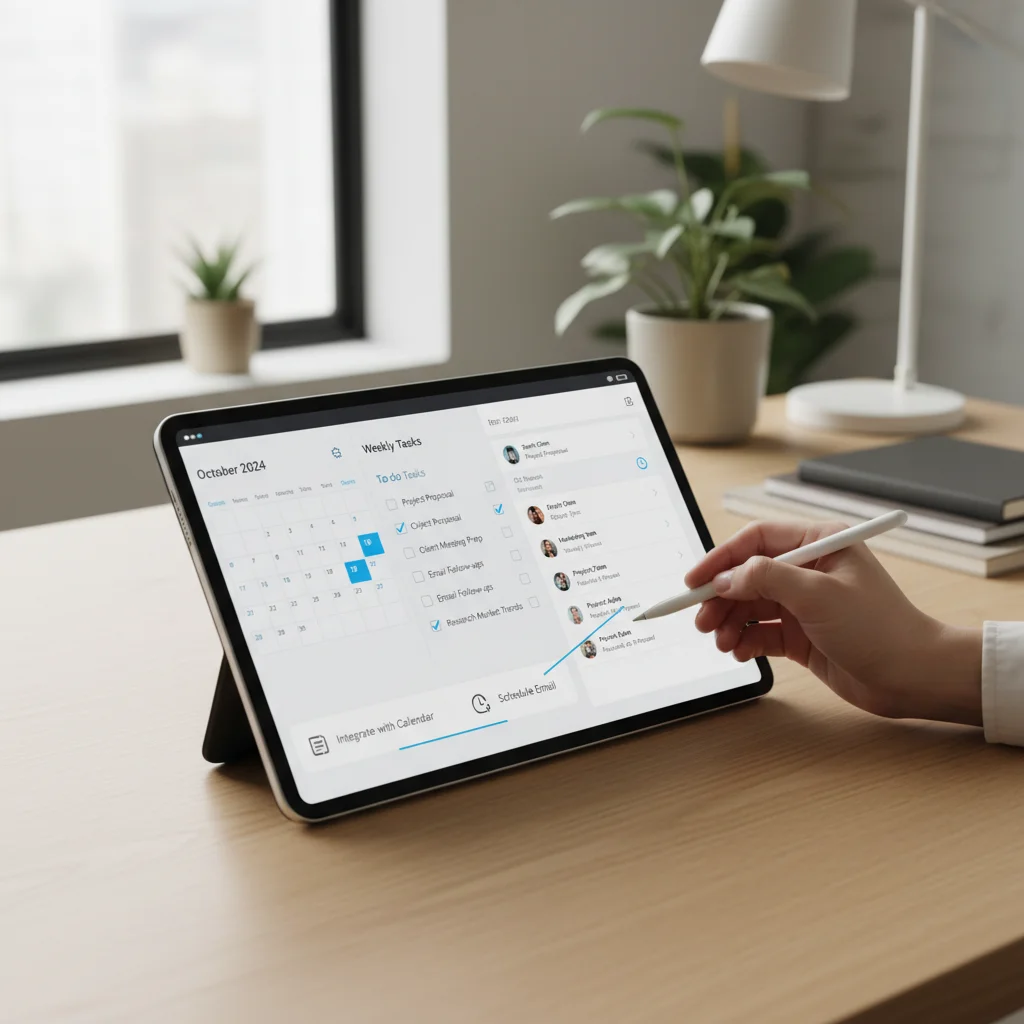
Achieving Inbox Zero is a significant step, but for truly holistic productivity, your email management needs to integrate seamlessly with your broader task management and calendar systems. Many inbox zero tools offer integrations that facilitate this.
- Task Management Integration: If an email requires a significant action, don’t just snooze it. Move it to your task manager (e.g., Trello, Asana, Todoist, Things 3). Many email clients allow you to forward emails directly to these apps or create tasks from emails. This ensures that important actions are not forgotten and are managed alongside all your other tasks.
- Calendar Integration: If an email requires a scheduled meeting or a specific deadline, add it to your calendar immediately. Tools often allow you to create calendar events directly from email content.
- Note-Taking Apps: For emails containing reference information or ideas you want to save, forward them to your note-taking app (e.g., Evernote, Notion, OneNote).
By connecting your email to these other systems, you create a robust workflow where every piece of information and every action has a designated place, further solidifying your path to sustained productivity and less time spent on email.
Common Pitfalls and How to Avoid Them
While the concept of Inbox Zero is appealing, there are common traps that users fall into. Being aware of these can help you maintain your progress with inbox zero tools.
- Obsessive Checking: The goal is not to have zero emails at all times, but to process them efficiently. Don’t fall into the trap of checking your inbox every few minutes to maintain a ‘zero’ count. Stick to your scheduled email times.
- Over-Archiving: While archiving is good, don’t just archive everything without processing. If an email requires action, it needs to be dealt with, not just hidden.
- Too Many Folders: Creating an overly complex folder structure can be just as time-consuming as a cluttered inbox. Keep your folder/label system simple and intuitive.
- Ignoring the ‘Unsubscribe’ Button: New subscriptions will always find their way into your inbox. Make unsubscribing a regular habit.
- Analysis Paralysis: Don’t spend too much time deciding what to do with each email. Make a quick decision and move on. Remember the ‘two-minute rule.’
Conclusion: Your Path to Email Freedom with Inbox Zero Tools
Achieving and maintaining Inbox Zero is a transformative habit that can significantly impact your daily productivity and reduce stress. It’s not about being a slave to your email but about taking control of it. By understanding the core philosophy, adopting effective strategies, and leveraging the power of modern inbox zero tools, you can turn your email inbox from a source of dread into a streamlined communication hub.
Start today by choosing one or two inbox zero tools that resonate with your workflow. Implement the ‘4 D’s,’ set dedicated email processing times, and commit to ruthless unsubscribing. With consistent effort, you’ll soon find yourself reclaiming those precious 30 minutes (or more!) each day, freeing up valuable time and mental energy for the tasks that truly matter. Embrace Inbox Zero, and unlock a new level of productivity and peace of mind.